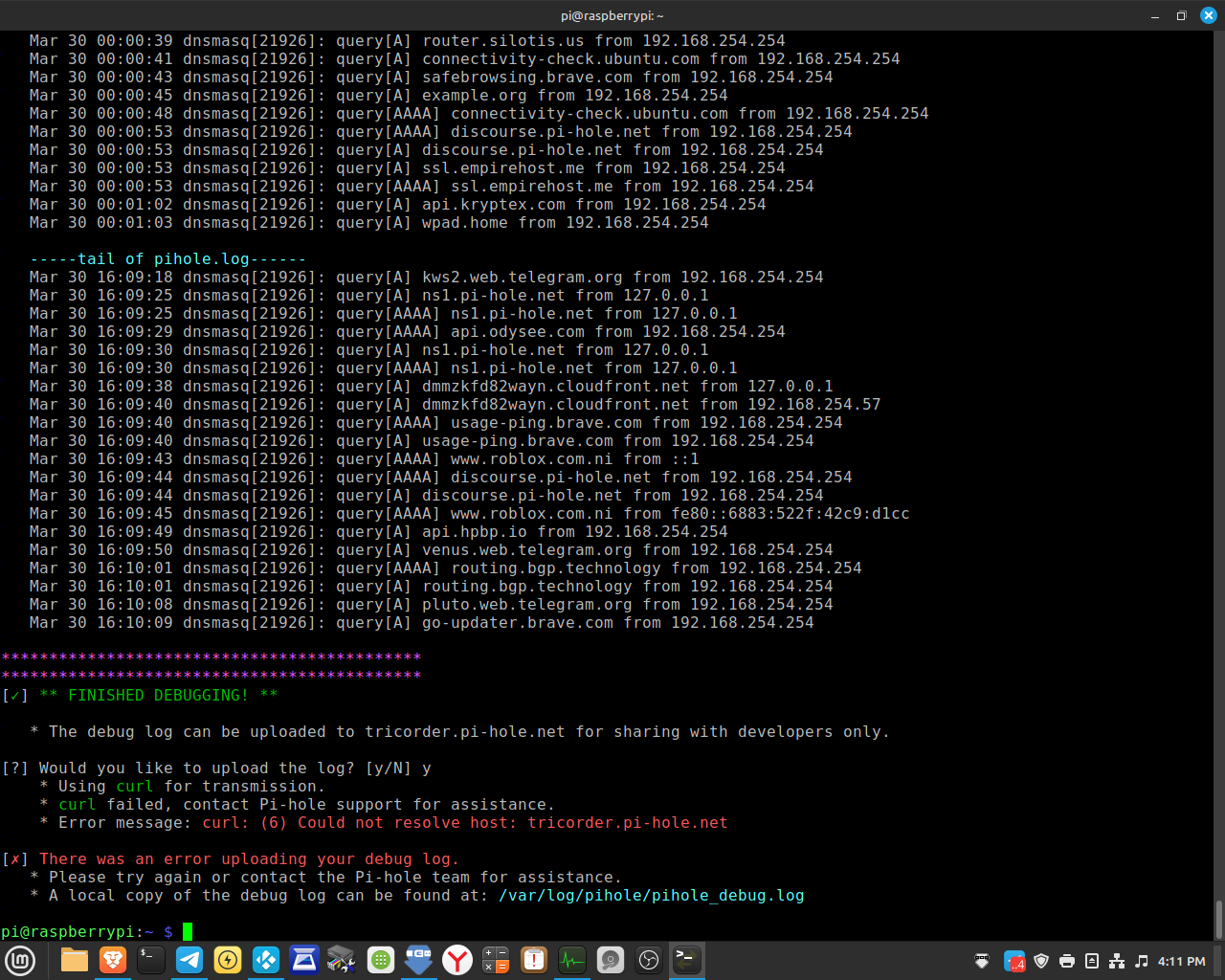
UPDATED PI-HOLE to V6 yesterday expecting to work normal. i have pihole with "UNBOUND" a DNS recursive server. it never had problems before.
Actual Behaviour:
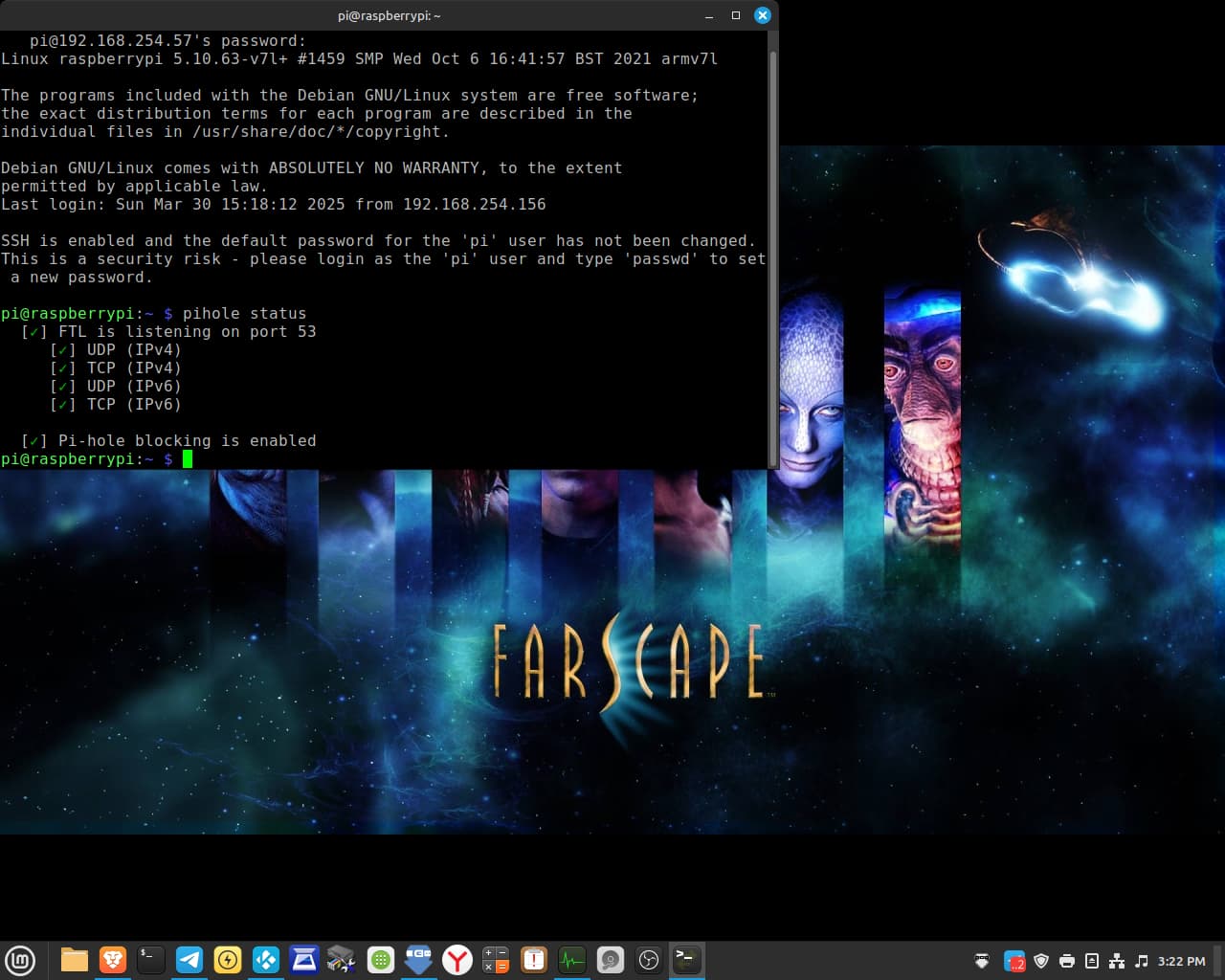
i go to the admin page of pihole and i am met with "403 Forebidden" or "refused to connect" i am using the Brave browser on linux mint 22. pi-hole seems to be working. I ran "pi-hole status" and everything has green check and working, but i can NOT access the admin page
i also tried this from what i found online, but it did NOT change the 403 forbidden admin access
" To resolve the issue, you can stop and disable the Lighttpd service by running the following commands via SSH:
can anyone help with this issue? have any of you outdated OS and updated to see a fix?
I have checked and am using raspian 10 OS which is outdated. if i update via terminal to raspian 11 OS and then to raspian 12 OS would that give me access to the ADMIN page ? everything else seems to be working at the moment.
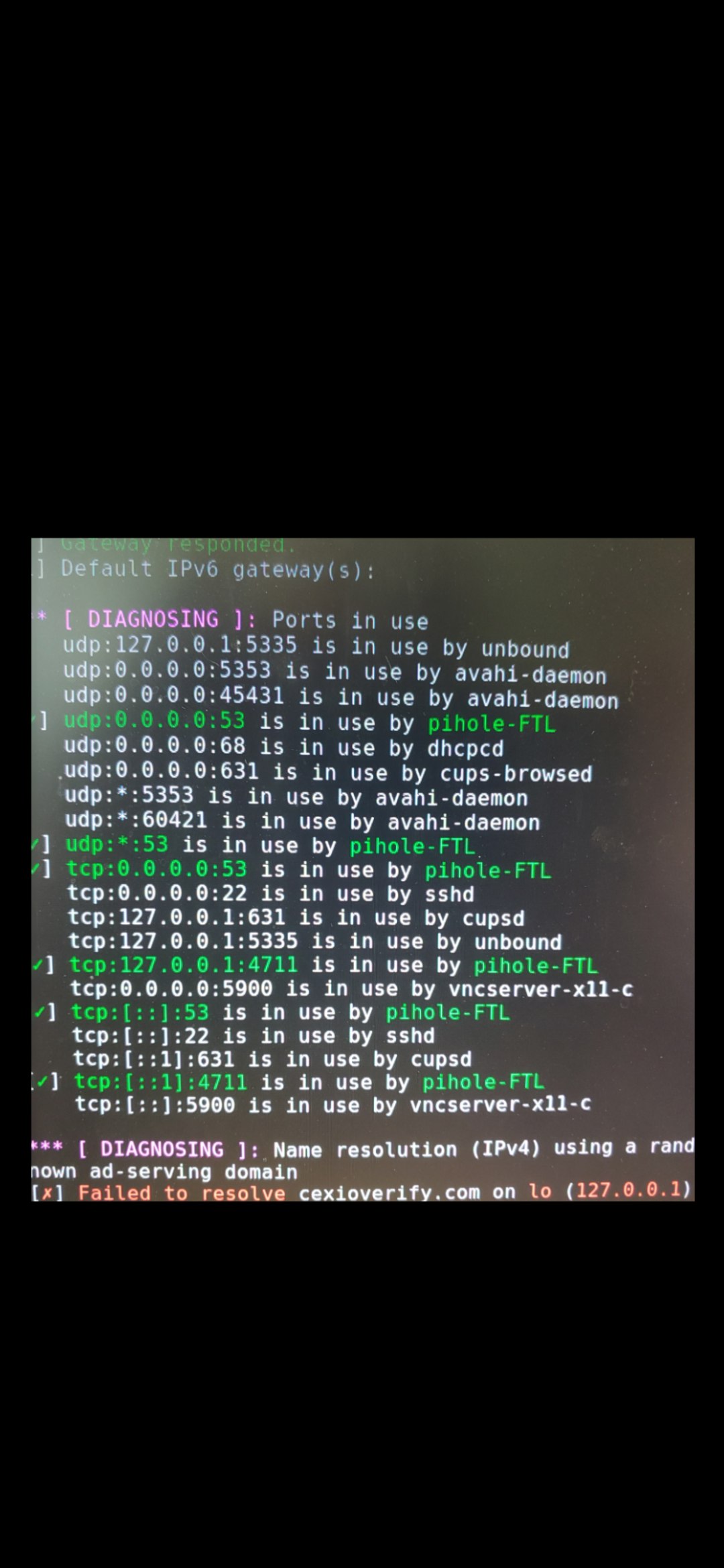
hello, i took a screenshot the ports being used if anyone could give help on how to access admin page with this information. i still get 403 forbidden.
with my network address substituted. NOTHING has worked.
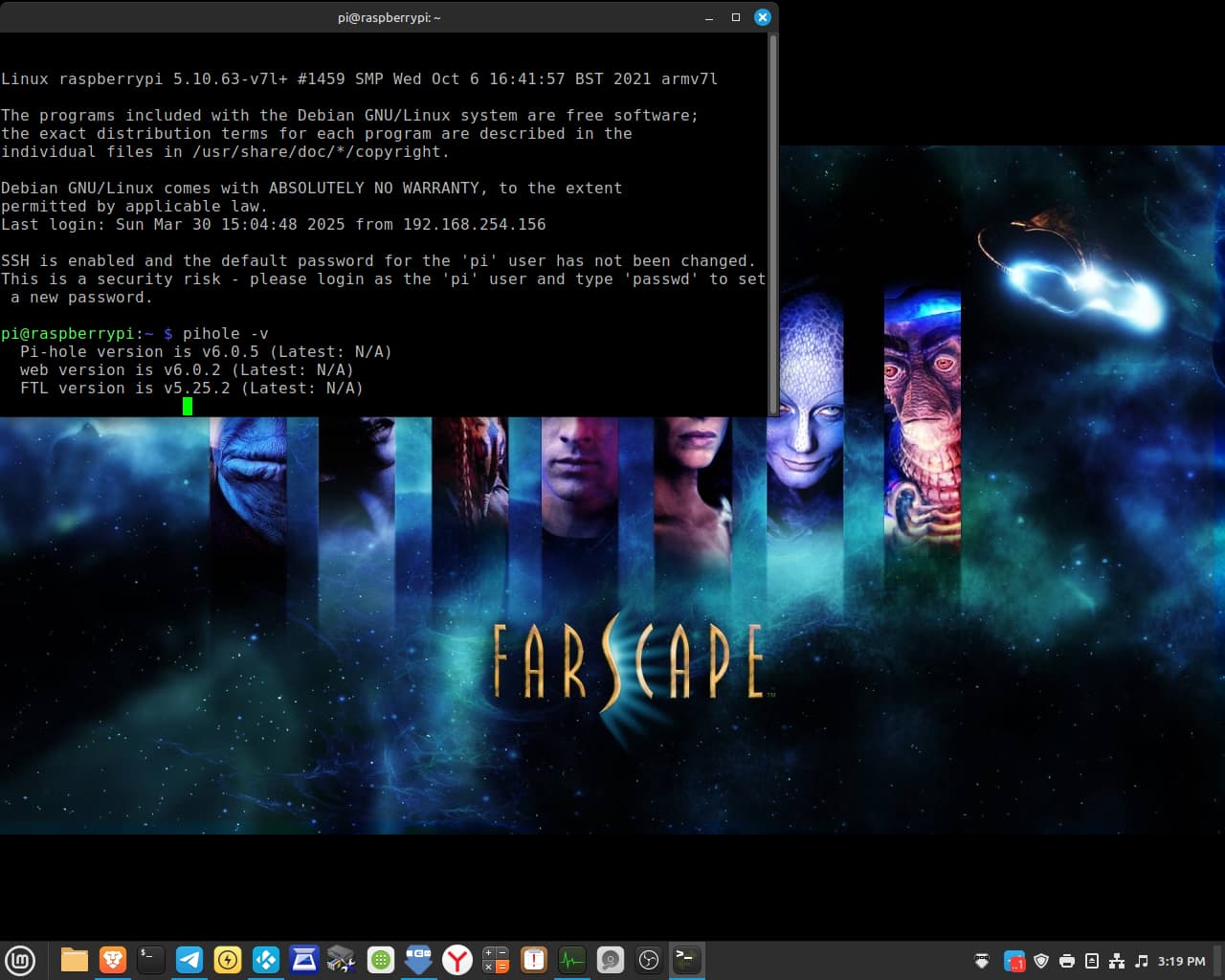
i am still on pi OS buster (10). i don't usually update unless i need to. I have not had issues until this newest version update to V6 of pihole. it seems that the pihole instance is up and running, but without admin page being able to load. i placed a screenshot shot below.
NOT updating has worked for me before when i was on windows and things would stop working or glitch when forced to do windows updates. i moved to linux mint 22 recently. Things are still very NEW to me compared to windows 7/10/11, but i am learning and trying to understand more and more each day. it is slow but still progress.
i found videos on youtube on how to do a terminal window update using putty to SSH and i can jump from buster (10) to bookwork (12) if needed.
i was waiting to see if issue could be fixed without updating first. is that possible?
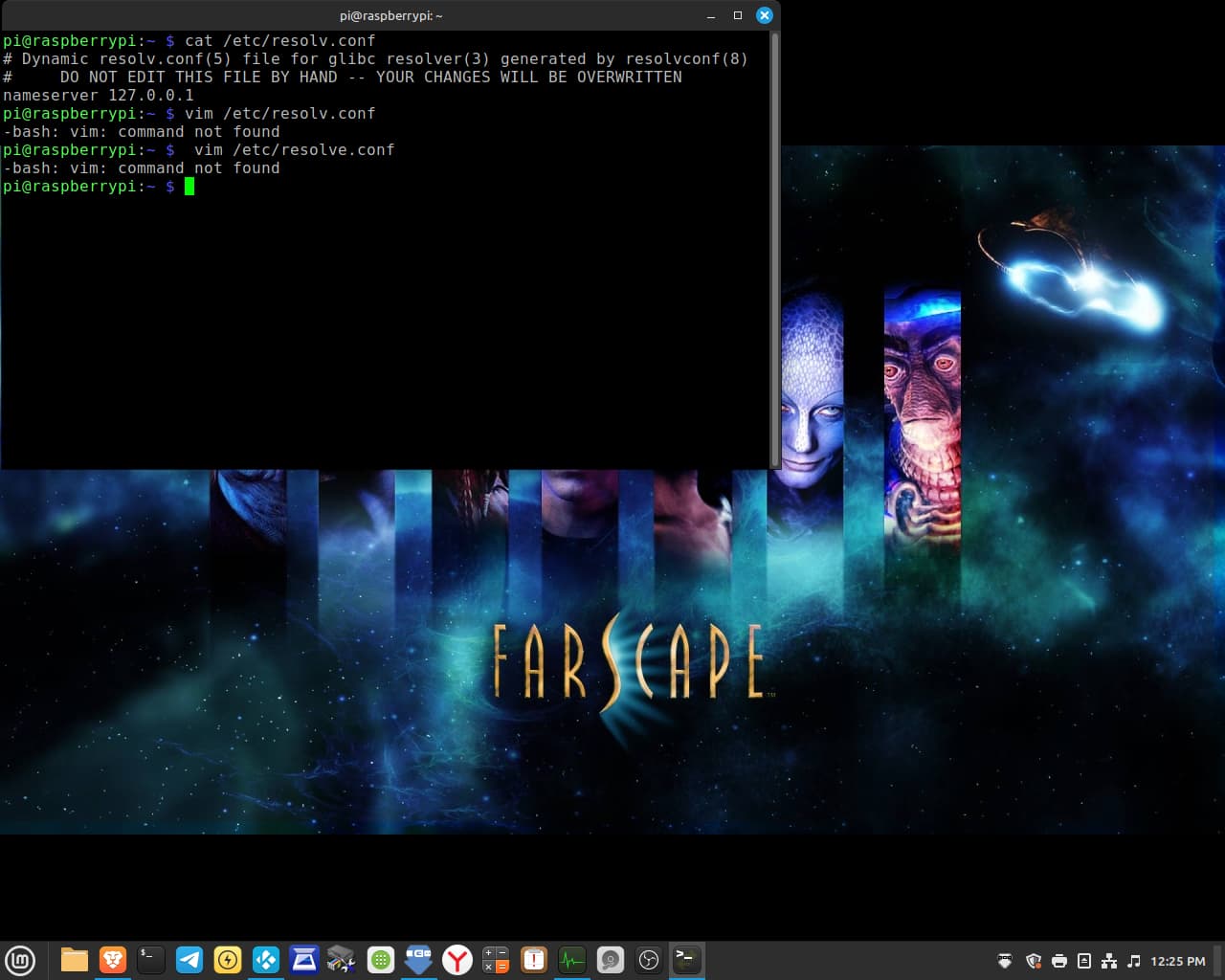
Hello, how do i change the name server EXACTLY? Is their a video or document i can follow? i found a video on youtube , but i was only able to find the nameserver. i can not change it from commands i saw in the video.
Save Permanent DNS Settings In /etc/resolv.conf Pihole DNS
Hello,
token is below. it worked. i had to TYPE it from the putty terminal. it does not copy the way the regular linux terminal does with right click. so far i figured out how to paste by pressing the scroll button. if you know how to copy please let me know. i found info online but it didn't work for me. i kept the putty window open in case it does not work and need to try again typing the token out.
You can use the web interface to export a backup file using the Teleporter function. Save the file in a safe place. Then, after you update your system and reinstall Pi-hole, you can restore the backup.
For unbound you will need to manually copy the config files.
how can i copy the tar file WITHOUT web interface since i do not have access to the web interface. i would like to get the backup and use it after i reinstall the pihole application.
To generate a teleporter file via the commandline after connecting to your pi-hole via ssh:
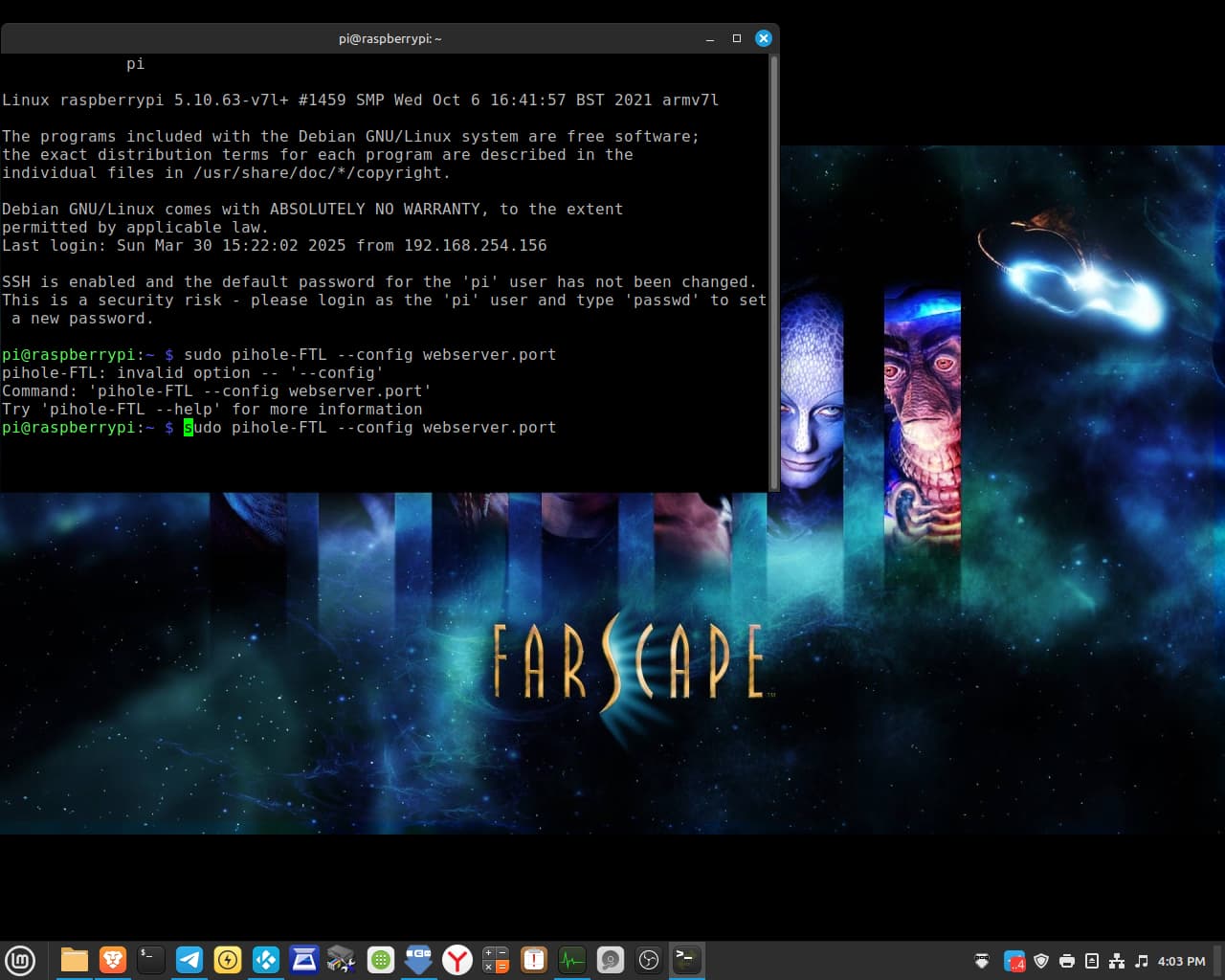
sudo pihole-FTL --teleporter
It will create the file in the current directory and display its name, which will be something similar to pi-hole_raspberrypi_teleporter_2025-04-02_05-27-27_AEST.zip but with appropriate time and date details.
Exit your ssh connection: exit
To retrieve the file, you can use sftp to connect to your Pi-hole (in the same way you connect with ssh).
From commandline on your pc: sftp pi.hole
to retrieve file (change filename as appropriate): get pi-hole_raspberrypi_teleporter_2025-04-02_05-27-27_AEST.zip
then exit out of sftp exit