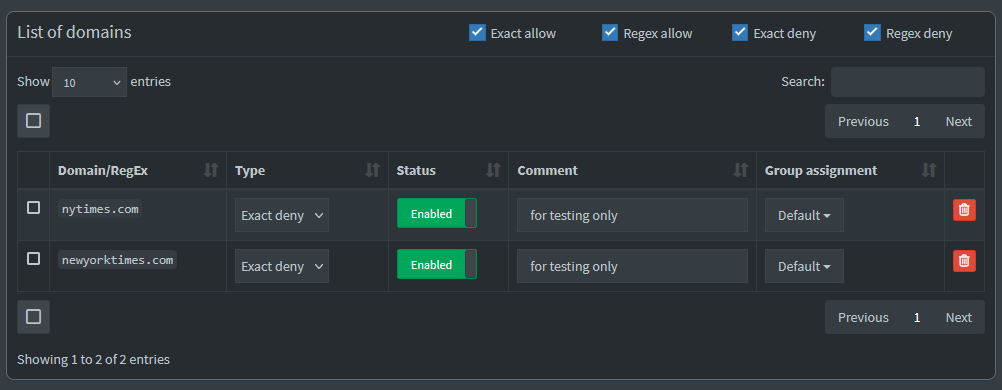
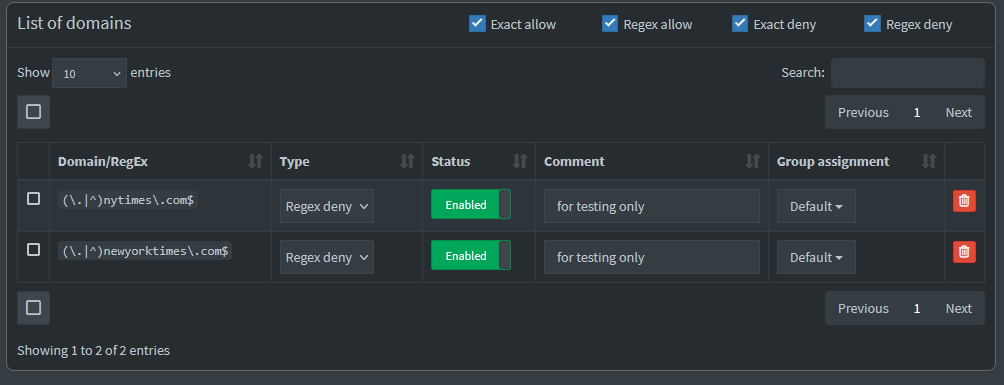
You blocked nytimes.com, but you are accessing a different domain: www.nytimes.com.
From DNS point of view, there is no "subdomains". This is just a different domain.
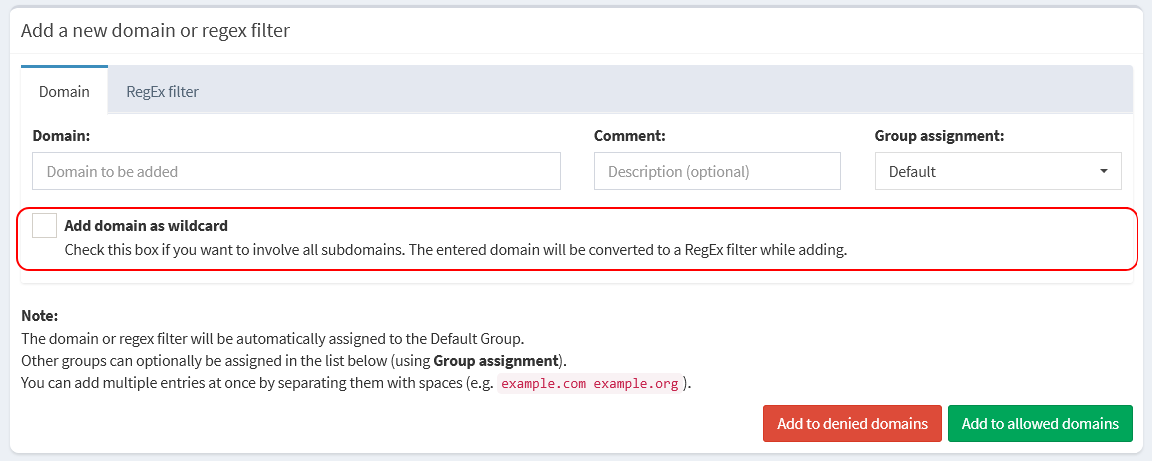
If you want to block every thing ending with nytimes.com, you need to mark the "wildcard" checkbox before you click on the "Add to denied domains" button:
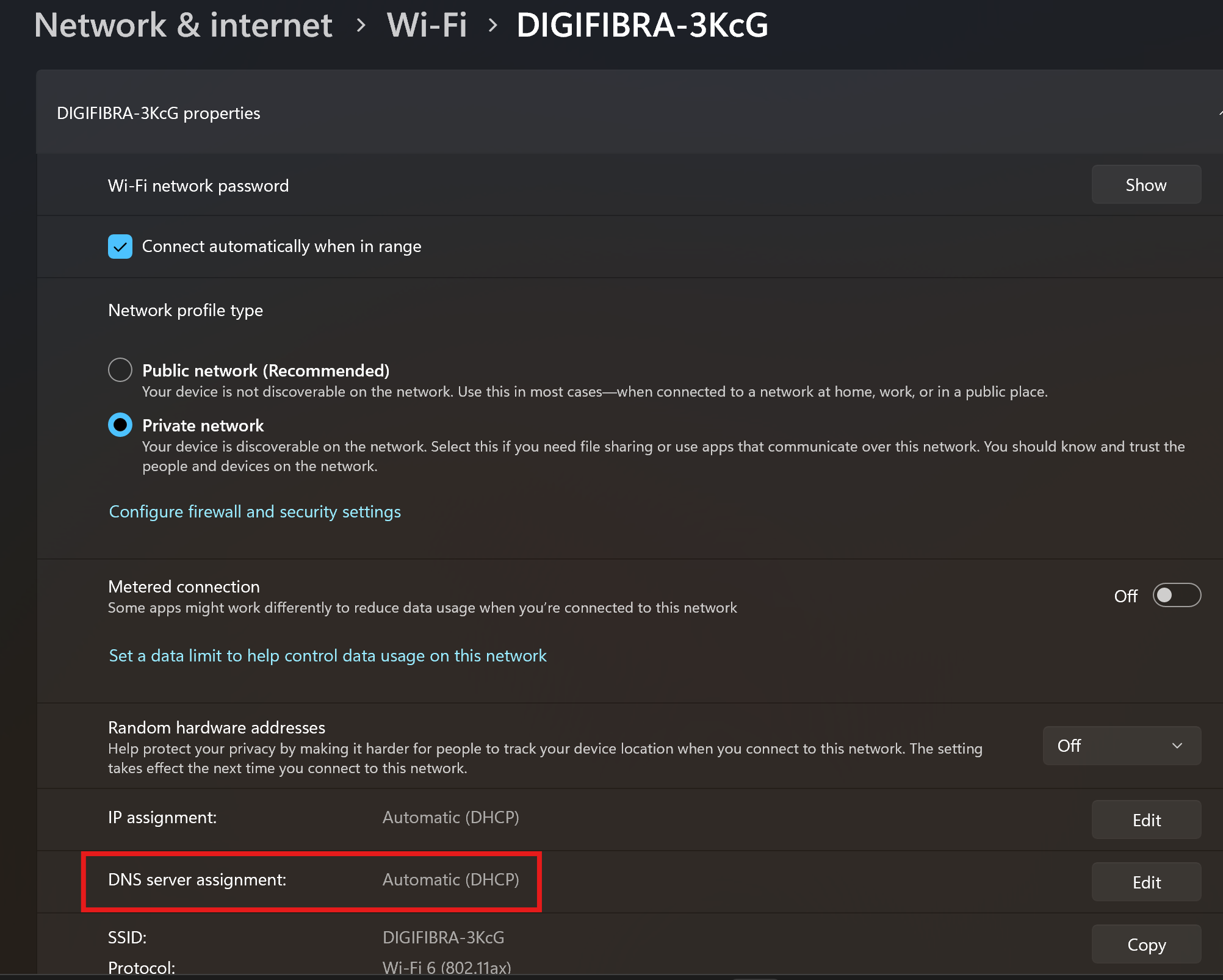
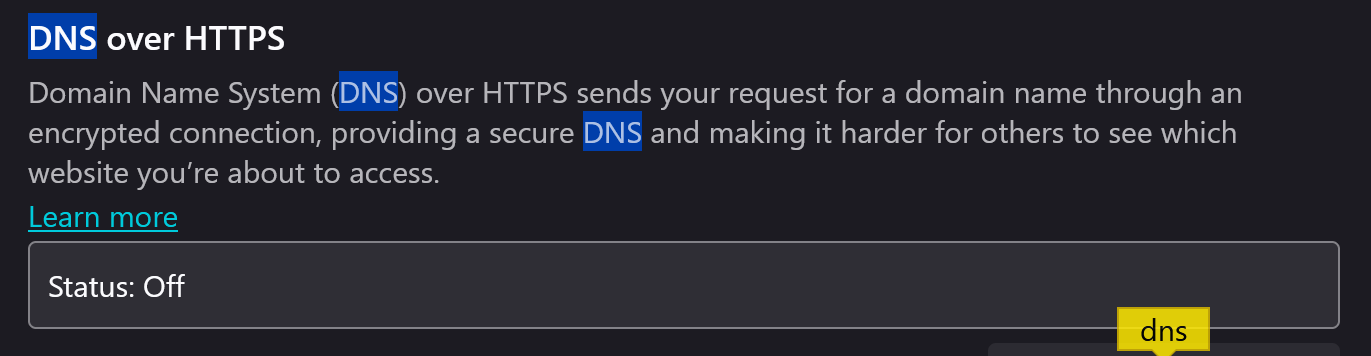
Apologies, mis-read and thought you wanted to access the site. Have you checked that your laptop is not configured for another DNS provider, and is in fact using Pi-hole? FireFox includes a DoH setting which, when set, does not use the system configured DNS.
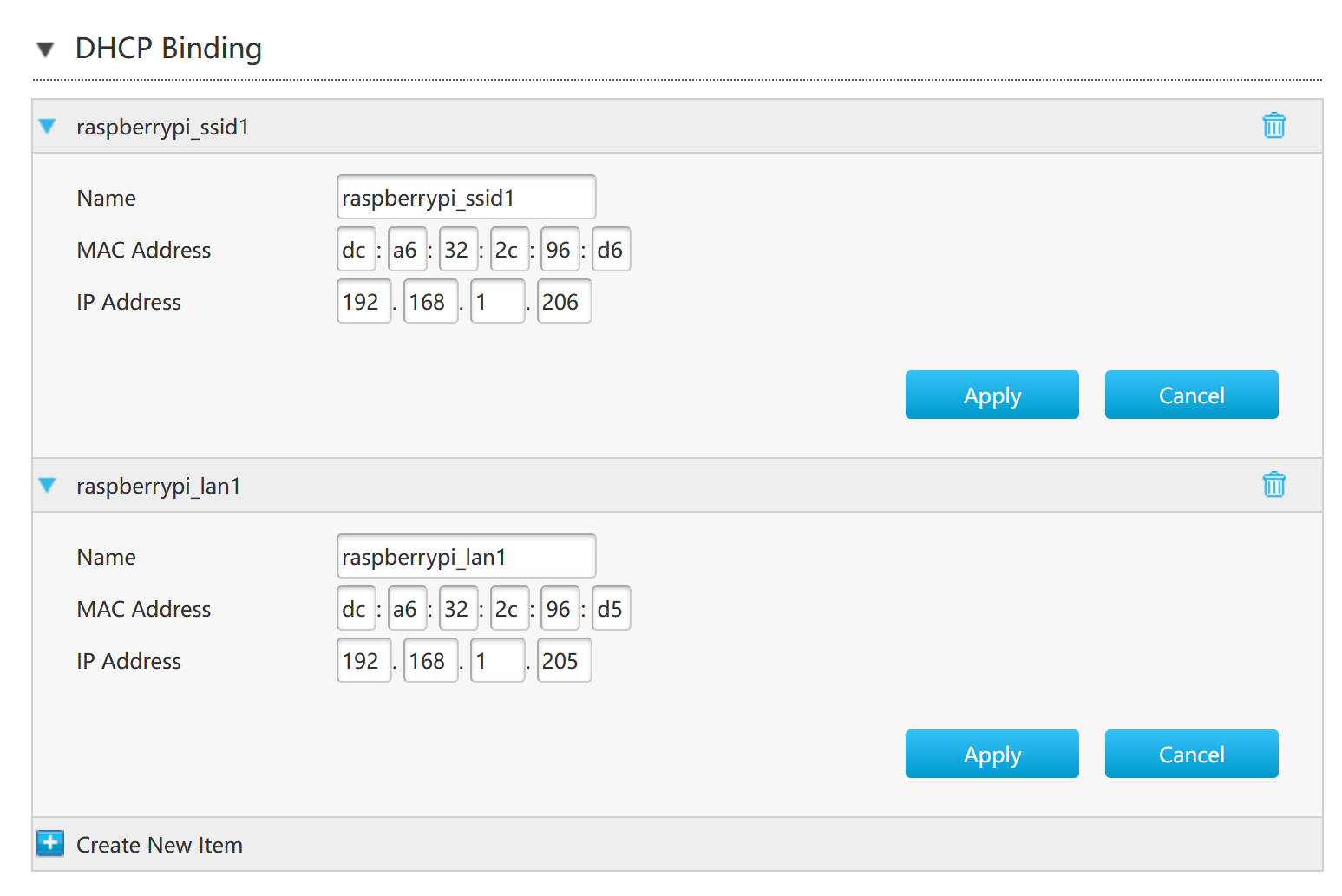
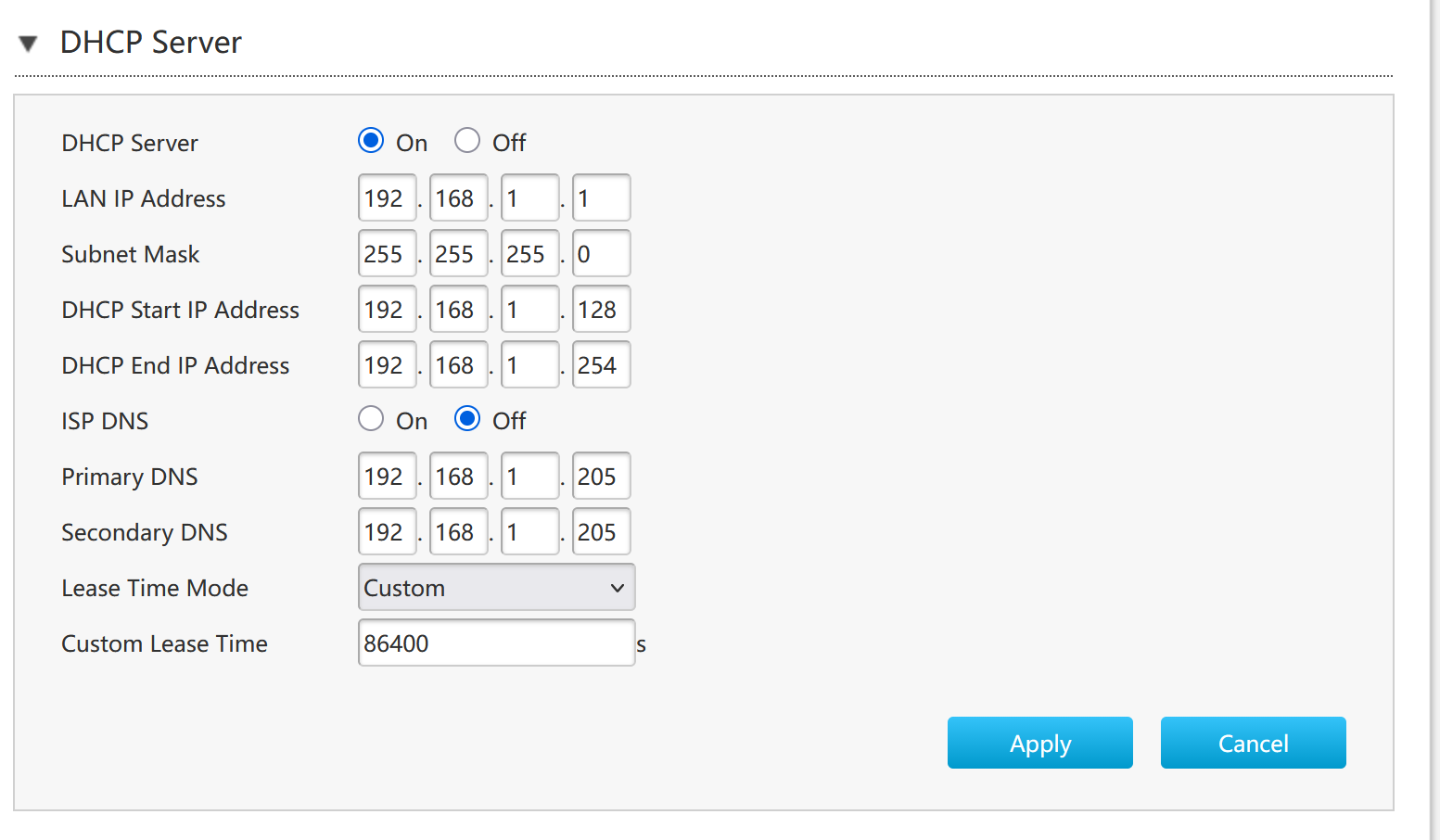
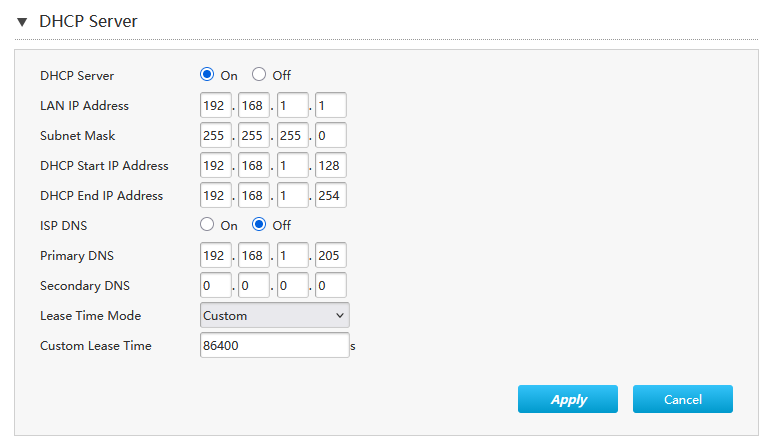
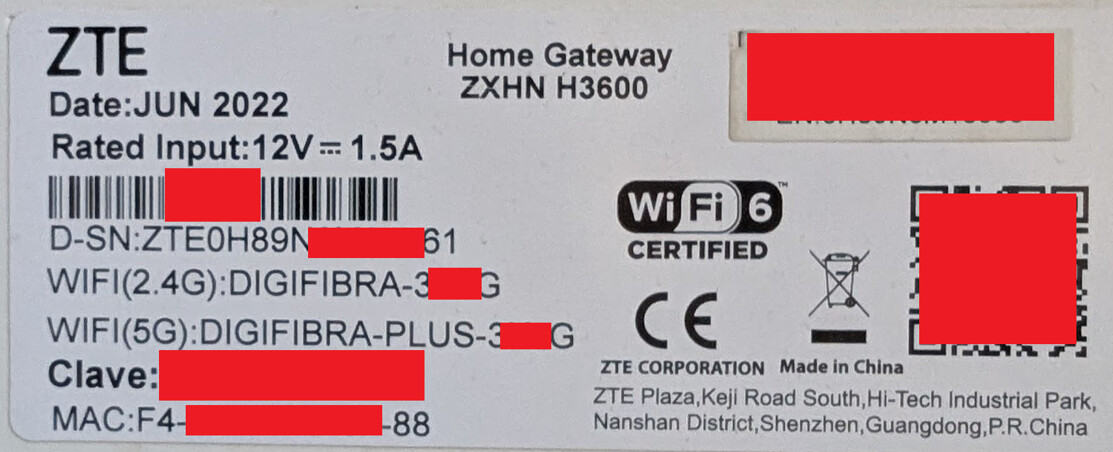
From your screenshots it looks like you are probably using a ZTE router/modem (possibly re-branded by your ISP).
These will often advertise their own address via DHCP as another DNS server (and in all cases do perform as a DNS server, forwarding your query upstream to your ISP’s server if a device queries them).
In some cases these also do not cope well if you specify the same address for both “primary” and “secondary” DNS.
Can you view the network information from your laptop and determine which DNS servers it is using (not the settings page, the current status)?
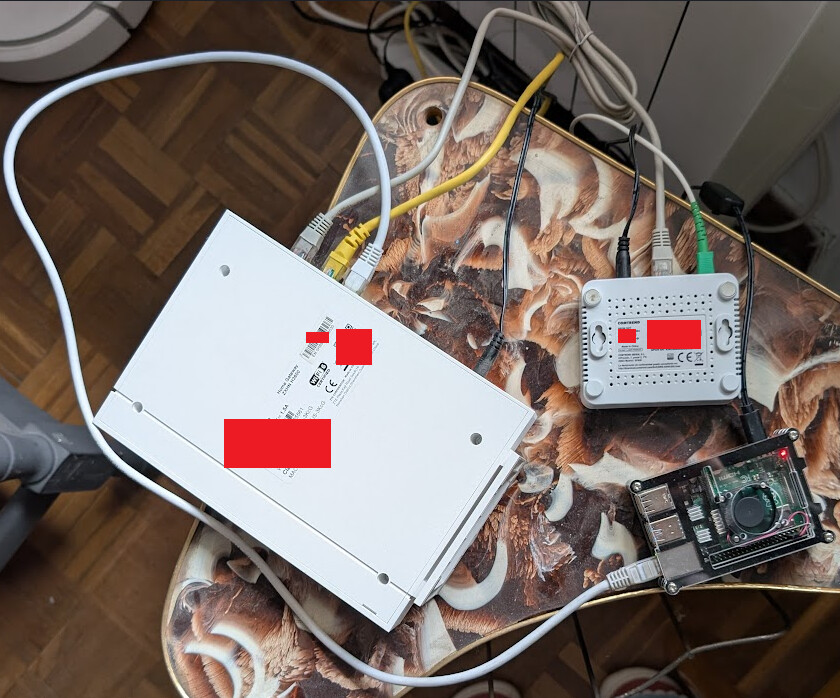
Also, here is what my home network setup looks like. There’s the ZTE router, which is connected via ethernet cables to both the Raspberry PI and a GRG-4284 fiber optic cable thingamajig, and a third connection (the yellow one) that goes to an uninvolved PC.
Under your IPv6 tab in the router’s local network settings, you should have the option to specify IPv6 DNS servers also. You can change DNS Delegate Type to manual and put your pi-hole’s address in those.
The router may still advertise it’s own IPv6 DNS server via Router Advertisement.
You also on that model have the option of disabling both Router Advertisement and DHCPv6 for the wifi (under port control).
@ rogbill I went to my router’s Local Network > LAN > IPv6 tab and changed the following
DHCPv6 Server > DNS Delegate Type from Auto to Manual
DHCPv6 Server > DNS Server1 from nothing to 2a0c:5a81:c102:3100:88fe:3261:f383:8e44
(see comment below how I got this address*)
RA Service > RA Service from On to Off
Port Control clicked All Off
However, after all of these changes, I can still browse NYT on my laptop. So the issue has not been fixed.
* I got the IPv6 address I input in DNS Server by running ip a on my Raspberry PI and picking the address labeled inet6 ... scope global noprefixroute and removing the /64 postfix. Here is the output of ip a :
1: lo: <LOOPBACK,UP,LOWER_UP> mtu 65536 qdisc noqueue state UNKNOWN group default qlen 1000
    link/loopback 00:00:00:00:00:00 brd 00:00:00:00:00:00
    inet 127.0.0.1/8 scope host lo
       valid_lft forever preferred_lft forever
    inet6 ::1/128 scope host noprefixroute
       valid_lft forever preferred_lft forever
2: eth0: <BROADCAST,MULTICAST,UP,LOWER_UP> mtu 1500 qdisc mq state UP group default qlen 1000
    link/ether dc:a6:32:2c:96:d5 brd ff:ff:ff:ff:ff:ff
    inet 192.168.1.205/24 brd 192.168.1.255 scope global noprefixroute eth0
       valid_lft forever preferred_lft forever
    inet6 2a0c:5a81:c102:3100:88fe:3261:f383:8e44/64 scope global noprefixroute
       valid_lft forever preferred_lft forever
    inet6 fe80::d9d4:826a:bb19:d726/64 scope link noprefixroute
       valid_lft forever preferred_lft forever
3: wlan0: <BROADCAST,MULTICAST,UP,LOWER_UP> mtu 1500 qdisc fq_codel state UP group default qlen 1000
    link/ether dc:a6:32:2c:96:d6 brd ff:ff:ff:ff:ff:ff
    inet 192.168.1.206/24 brd 192.168.1.255 scope global noprefixroute wlan0
       valid_lft forever preferred_lft forever
    inet6 2a0c:5a81:c102:3100:be53:94f7:98ea:aebc/64 scope global noprefixroute
       valid_lft forever preferred_lft forever
    inet6 fe80::54fb:ceed:487b:5a94/64 scope link noprefixroute
       valid_lft forever preferred_lft forever
I re-ran Get-DnsClientServerAddress on my laptop, and the output has changed:
InterfaceAlias               Interface Address ServerAddresses
                             Index     Family
--------------               --------- ------- ---------------
Local Area Connection* 1             8 IPv4    {}
Local Area Connection* 1             8 IPv6    {fec0:0:0:ffff::1, fec0:0:0:ffff::2, fec0:0:0:ffff::3}
Local Area Connection* 2            11 IPv4    {}
Local Area Connection* 2            11 IPv6    {fec0:0:0:ffff::1, fec0:0:0:ffff::2, fec0:0:0:ffff::3}
WiFi                                16 IPv4    {192.168.1.205}
WiFi                                16 IPv6    {2a0c:5a80:0:2::1, 2a0c:5a84:0:2::1, fe80::8920:e511:3338:f88}
Bluetooth Network Connection        14 IPv4    {}
Bluetooth Network Connection        14 IPv6    {fec0:0:0:ffff::1, fec0:0:0:ffff::2, fec0:0:0:ffff::3}
Loopback Pseudo-Interface 1          1 IPv4    {}
Loopback Pseudo-Interface 1          1 IPv6    {fec0:0:0:ffff::1, fec0:0:0:ffff::2, fec0:0:0:ffff::3}
The WiFi IPv6 entry now has 3 addresses instead of the previous 4 addresses. However, none of them are the Raspberry PI’s IPv6 address that I submitted in the previous step on my router’s DNS Server1 field. I don’t know why this is.