Please follow the below template, it will help us to help you!
I have Pi-hole running in Docker on a Synology NAS. Everything worked well for quite some time until recently when the interface stopped responding. Also, I noticed that ad blocking no longer works.
How are you managing Docker on the Syno? The stock Docker or via another management tool? You have some environment variables and setupVars.conf entries that are in conflict and incorrect. The way to fix things depends on how you are running Docker on Synology and what management tools you are using.
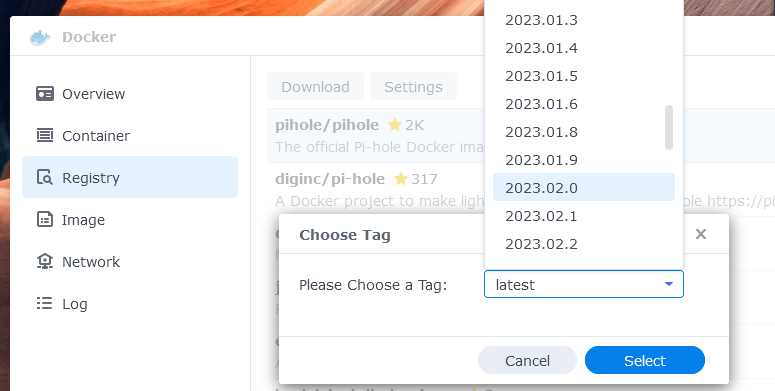
Initially, I setup Docker through the Syno interface. I switched to Portainer after setup. Everything worked well for several months before the ad-blocking failed and I lost the pi-hole web ui.
Apologies for misunderstanding your version question. I have now pulled the latest pi-hole image and recreated the container with that image. The web-ui is still unavailable.
The Portainer config shows you are using 2 networks. The debug log shows you have 2 different IP addresses on the container, but 192.168.1.16 is not one of them:
*** [ DIAGNOSING ]: Network routing table
   default via 192.168.42.1 dev eth0
   192.168.1.0/24 dev eth1 proto kernel scope link src 192.168.1.17
   192.168.42.0/24 dev eth0 proto kernel scope link src 192.168.42.2
That was the issue. I'm not sure why/how it was working for months before it stopped. I've looked back through all my setup notes and Pi-hole was always on 192.168.1.16. Thanks for the help and patience.