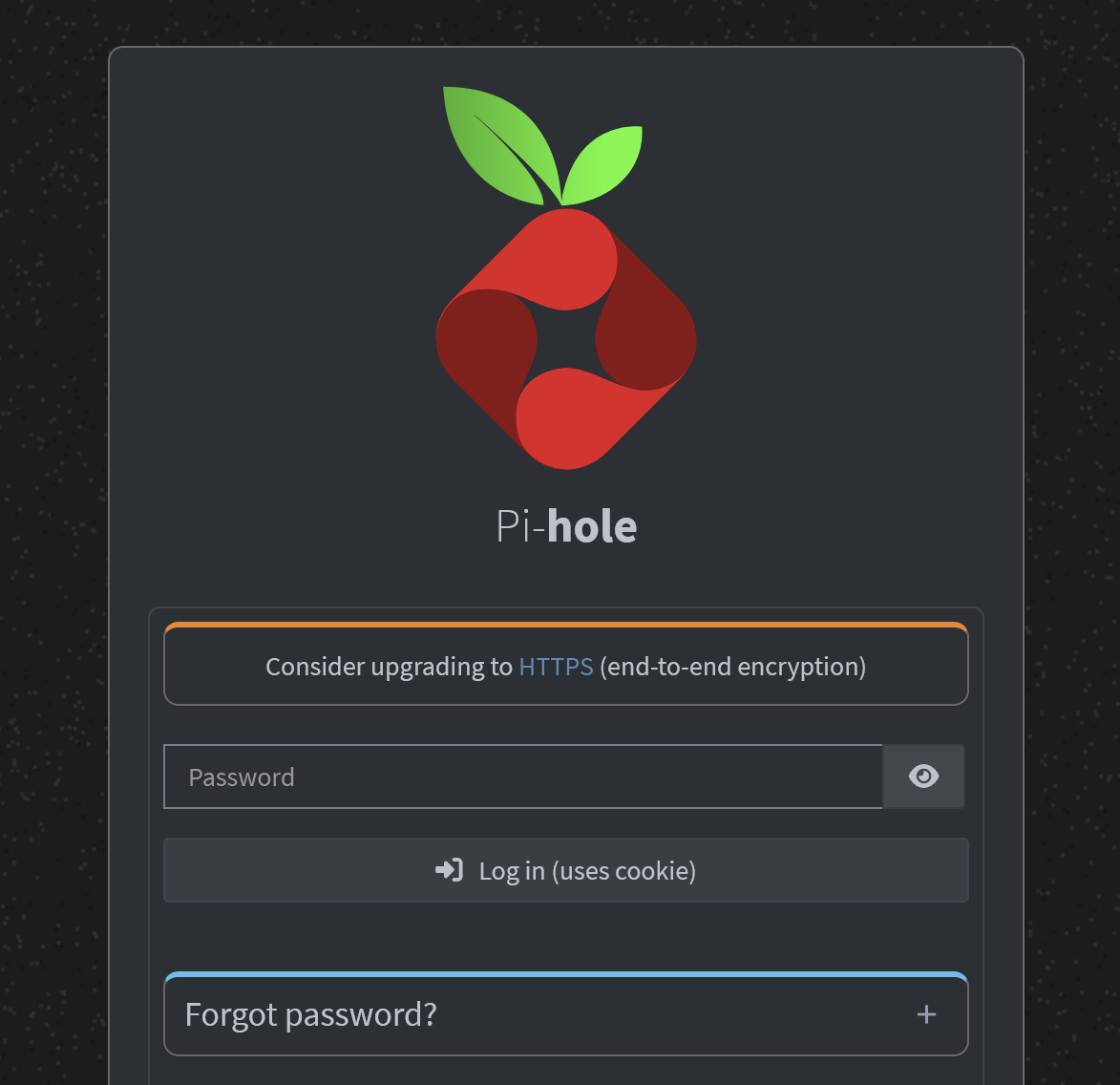
If you follow the post-install directions on a clean pi-hole setup in a local network, you'll be directed to pi.hole:80/net or {pihole_local_ip}:80/admin. The admin login then looks like this, with a prominent hint you should "Consider upgrading to HTTPS":
Following the link leads to a lengthy excursus on HTTPS for folks who run piholes on VPS — actually a thread from a year years back with many comments by people with very different setups (itself an indication that this is a pretty confusing topic).
Anyone doing some reading around finds that even in pihole V6 (2025) setting up HTTPS is not straightforward. And if you dig a little deeper you also find much older threads where proposals to support HTTPS out of the box are judged "out of scope" and folks argue that if you're running a pi on your own local network (= many of us), HTTPS would be overkill anyway.
As @deathbybandaid said, if you don't have external access web interface, there is no need to use https unless you're MITMed in your own home network
Expected behavior
Only show the "Consider upgrading to HTTPS" if (i) it actually makes sense and (ii) there's a clear and unambiguous way of doing so.
In the case of a local install where the admin is not exposed to the outside web, and where self-certifying is not straightforward (apparently still the case in 2026), then don't suggest it.
Reasonable solution
Modify the text to be more clear about the conditions in which HTTPS is key: "If you're running pi-hole on a VPS or exposed to the outside web, make sure to enable HTTPS".
Go to System -> Settings and click on Basic in the top right corner to enable the Expert Settings View
Go to System -> All Settings -> Web Server and API -> webserver.port
Enter there something like 192.168.1.2:443s instead of the default "80o,443os,[::]:80o,[::]:443os" value.
And you are DONE!
I have done all of this via the lovely pihole.toml file right after Pi-Hole v6 was released and never looked back!
If you get the error complaining about the Self Signed Certificate not matching the Host's Domain name or something like that then just delete the certificate via SSH (/etc/pihole/tls.pem) and restart Pi-Hole and you have fixed it forever!
Having HTTPS access to the webGUI of Pi-Hole this easily is one of my favorite things about Pi-Hole v6
Ah well. I just tried that and either I made an error or it is not as straightforward as hoped, because it had the effect of locking me out of the web interface.
Fortunately your directions also pointed me to the place to get back into it. For onlookers, here's what I did:
Pretending my local IP is 192.168.1.2, the entry reads 192.168.1.2:80or,443os
This can be entered either in the web interface GUI as directed above, or by editing the [webserver] entry in the file /etc/pihole/pihole.toml
If you make an error like me and the web interface is no longer accessible, SSH-ing into the pihole and editing the toml file is the only option.
Reading the instructions in the toml file, I think what this means is that port 80 is optional but will fallback to SSL (443). You could also use an r suffix to force a redirect.
If I get into the web interface now and change from HTTP to HTTPS, Firefox first forces me to add an exception. When added, it does allow me to browse the web interface over HTTPS, but Firefox displays a giant Not Secure button in the address bar.
So then, returning to OP: How can we reduce confusion about this issue? As long as browsers complain and switching this on requires one to add an exception I don't think it's a great user experience... and if the instructions are so hard to find & likely to vary in outcomes, why suggest the switch to HTTPS on every single web interface opening screen?
Firefox (and all other browsers) show a warning when the certificate cannot be verified. When you add an exception, Firefox allows you to access, but it still shows the certificate can't be verified.
If you want to access using HTTPS and also wants to fix the "Not Secure" icon on the browser you will need to add the certificate authority to the browser.
This is the only way to make your browser know your locally created certificate.
Where does your Firefox force you to add the exception ?!
AFAIK that option has disappeared years ago and is the reason that I always use Pale Moon instead, because it has the good old GUI where accepting Self Signed Certificates is just a couple of clicks and it never bothers you again about it
If you don't like the line that suggests you consider upgrading to HTTPS, and feel it doesn't apply to you then just ignore it.
No it's not that I don't like it or that I'd want to ignore it. I am saying (and demonstrating I guess ) that it is actively confusing users who think it might apply and who might consider upgrading to HTTPS.
Aha! Well that also provides a very simple solution: in the admin interface login screen, I'd propose changing the target of the HTTPS link (which right now goes to https://{your-ip}/admin) to that very piece of documentation.
Reasons:
Out of the box, the HTTPS variant won't work on most browsers and for most pihole installations. It seems the default settings after a fresh install all assume http, not https, and there's quite a few moving parts to get right until HTTPS works. To send the user to a non-working HTTPS URL is confusing.
If users are indeed interested in changing to HTTPS, this will point them to the authoritative guide on how to do this, rather than leaving them to do their own google searches and turn up many apparently irrelevant or superseded threads.