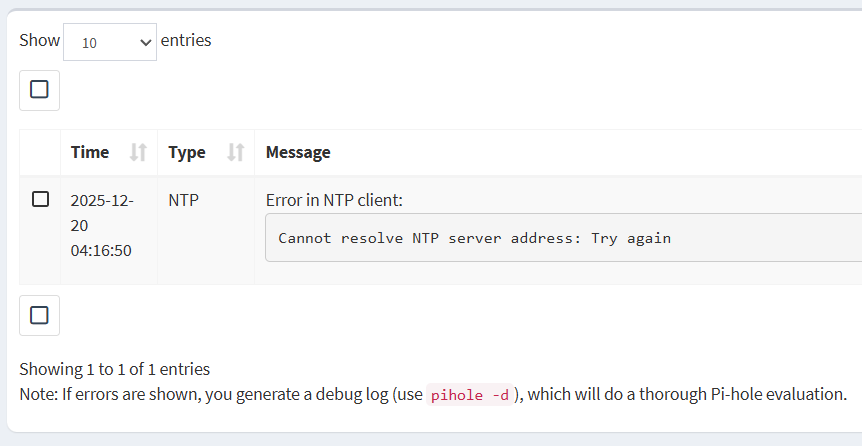
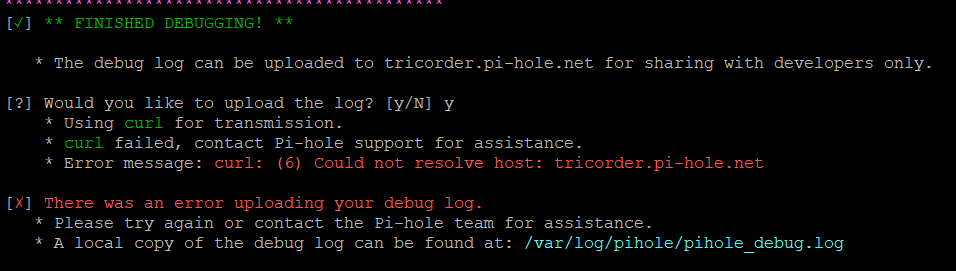
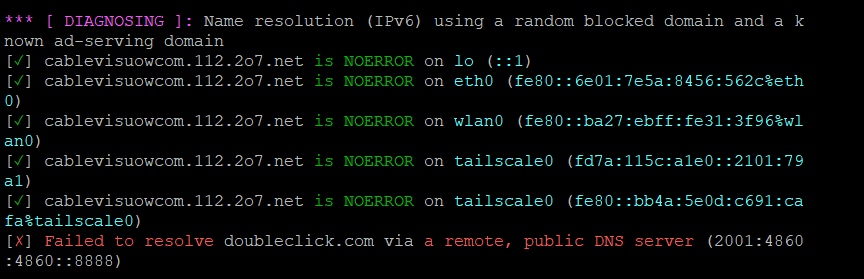
When I try to debug this is the error that I have. I tried changing the resolve.conf, but tailscale writes over it. Maybe this isn’t even a pihole issue; it could be a tailscale issue.
[✗] DNS resolution is currently unavailable
  [i] Waiting up to 120 seconds for DNS resolution
I do have to say that I changed some settings in tailscale. Then I Restarted DNS resolver and flushed the network logs. As of now it seems to be working again. Hopefully it lasts. I ran your commands though. Here are the results:
admin@RaspPiHole:~ $ cat /etc/resolv.conf
# resolv.conf(5) file generated by tailscale

# For more info, see https://tailscale.com/s/resolvconf-overwrite

# DO NOT EDIT THIS FILE BY HAND -- CHANGES WILL BE OVERWRITTEN

nameserver 100.100.100.100
search tailae5b9b.ts.net 192.168.1.254 Home
admin@RaspPiHole:~ $ tailscale dns status
=== 'Use Tailscale DNS' status ===

Tailscale DNS: enabled.

Tailscale is configured to handle DNS queries on this device.
Run 'tailscale set --accept-dns=false' to revert to your system default DNS reso                                                                                                             lver.

=== MagicDNS configuration ===

This is the DNS configuration provided by the coordination server to this device                                                                                                             .

MagicDNS: enabled tailnet-wide (suffix = tailae5b9b.ts.net)

Other devices in your tailnet can reach this device at rasppihole.tailae5b9b.ts.                                                                                                             net.

Resolvers (in preference order):
(no resolvers configured, system default will be used: see 'System DNS configu                                                                                                             ration' below)

Split DNS Routes:

* ts.net.                        -> 199.247.155.53
* ts.net.                        -> 2620:111:8007::53

Search Domains:

* 192.168.1.254
* tailae5b9b.ts.net

=== System DNS configuration ===

This is the DNS configuration that Tailscale believes your operating system is u                                                                                                             sing.
Tailscale may use this configuration if 'Override Local DNS' is disabled in the                                                                                                              admin console,
or if no resolvers are provided by the coordination server.

(failed to read system DNS configuration: Access denied: dns-osconfig dump acc                                                                                                             ess denied)

[this is a preliminary version of this command; the output format may change in                                                                                                              the future]
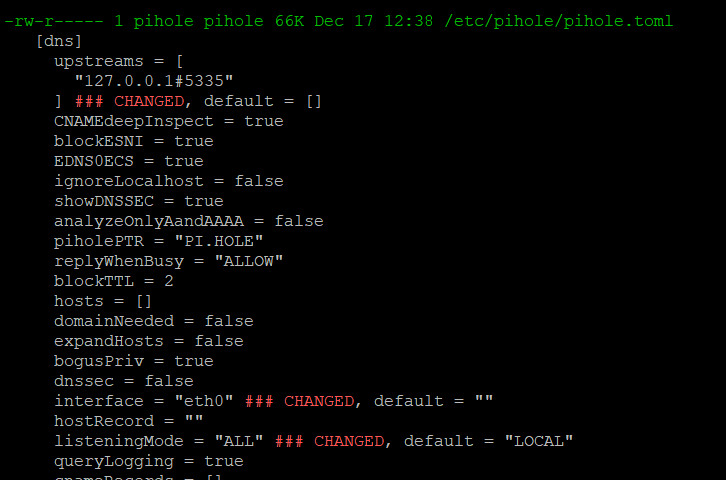
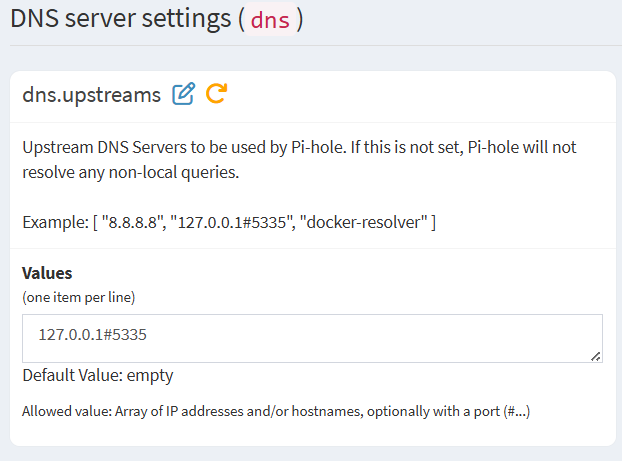
I appreciate your help. I saw what you were saying when I ran tailscale dns status where it told me to run sudo tailscale set --accept-dns=false . So I ran it also. It didn’t say whether it went through or not, so I assume that it did. I put what my upsteam dns is set at. Is that correct? Again thank you!
$ tailscale dns status

=== 'Use Tailscale DNS' status ===

Tailscale DNS: disabled.

(Run 'tailscale set --accept-dns=true' to start sending DNS queries to the Tailscale DNS resolver)
[...]
Id recommend having in /etc/resolv.conf not exclusively servers from the local machine(this would also include unbound) and at least one trusted public resolver. This will make troubleshooting easier when something goes wrong with the local DNS server. You can just add 1.1.1.1 or a different trusted public resolver as a fallback option, on a newline in /etc/resolv.conf.