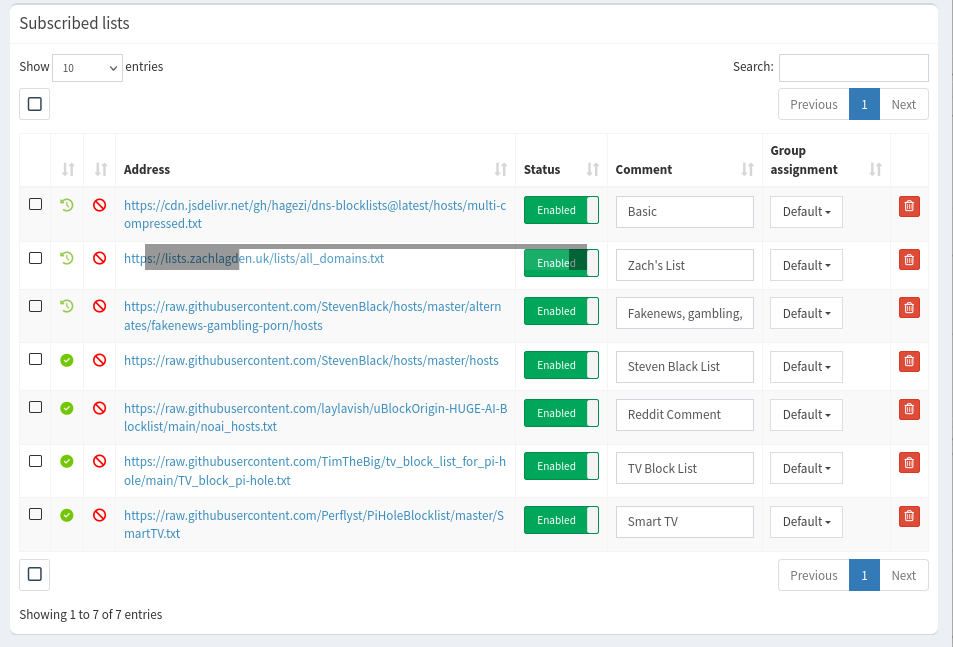
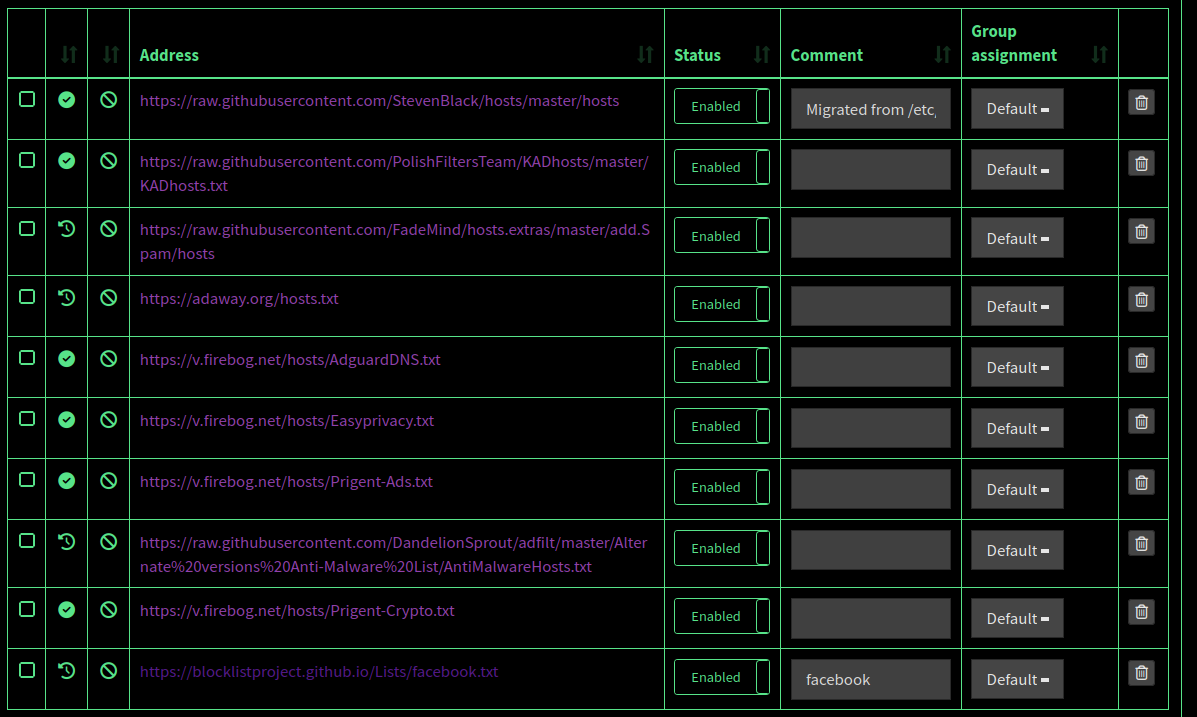
Expected Behaviour:
expecting it to block from block list
- rpi
Actual Behaviour:
seeing queries but no blocking at all
From a computer on your network, what is the output of these commands?
nslookup google.com

nslookup flurry.com 192.168.178.38
Also, do you see the queries on the Query Log page, after the commands are executed?
Yes, the queries appear in the query log
And, for the first time 7 items got blocked!
rmint@rmint-MS-7728:~$ nslookup google.com
Server: 127.0.0.53
Address: 127.0.0.53#53
Non-authoritative answer:
Name: google.com
Address: 142.251.30.113
Name: google.com
Address: 142.251.30.139
Name: google.com
Address: 142.251.30.102
Name: google.com
Address: 142.251.30.101
Name: google.com
Address: 142.251.30.100
Name: google.com
Address: 142.251.30.138
Name: google.com
Address: 2a00:1450:4009:c04::65
Name: google.com
Address: 2a00:1450:4009:c04::71
Name: google.com
Address: 2a00:1450:4009:c04::8b
Name: google.com
Address: 2a00:1450:4009:c04::66
rmint@rmint-MS-7728:~$ nslookup flurry.com 192.168.178.38
Server: 192.168.178.38
Address: 192.168.178.38#53
Name: flurry.com
Address: 0.0.0.0
Name: flurry.com
Address: ::
As a last test, from the same machine, what is the output of nslookup flurry.com?
Server: 127.0.0.53
Address: 127.0.0.53#53
** server can't find flurry.com?: NXDOMAIN
updated token log - https://tricorder.pi-hole.net/CjHSdgvW/
Server: 192.168.178.38
Address: 192.168.178.38#53
Name: flurry.com
Address: 0.0.0.0
Name: flurry.com
Address: ::
Not 100% sure why the Pihole was seeing all the traffic but not blocking any. But when I added the pihole ip address into dns in nordvpn - it all seemed to start working.