Hi,
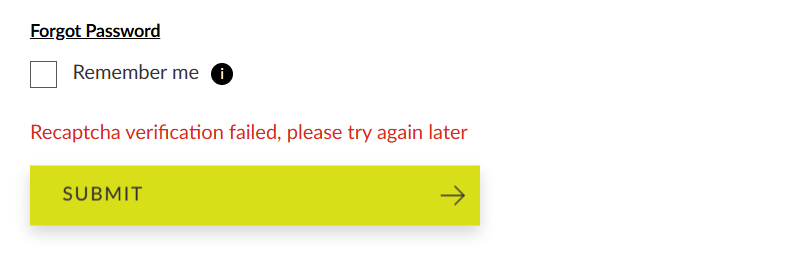
Am new to Pi-hole and have an issue on a legitimate website that uses popups at logon. After entering my credentials and clicking 'Log In', I get the following message:
Recaptcha verification failed, please try again later
If I Disable Blocking and retry, I get a pop-up that wants me to configure/accept tracking cookies. The offending website is https://uk.ryobitools.eu/
You will need to add an allowlist entry for that domain if you'd like to continue using the site.
Complementing Dan's answer, alternatively you can find out which list is blocking this domains and remove/replace it:
- On the web interface, go to Tools > Search lists;
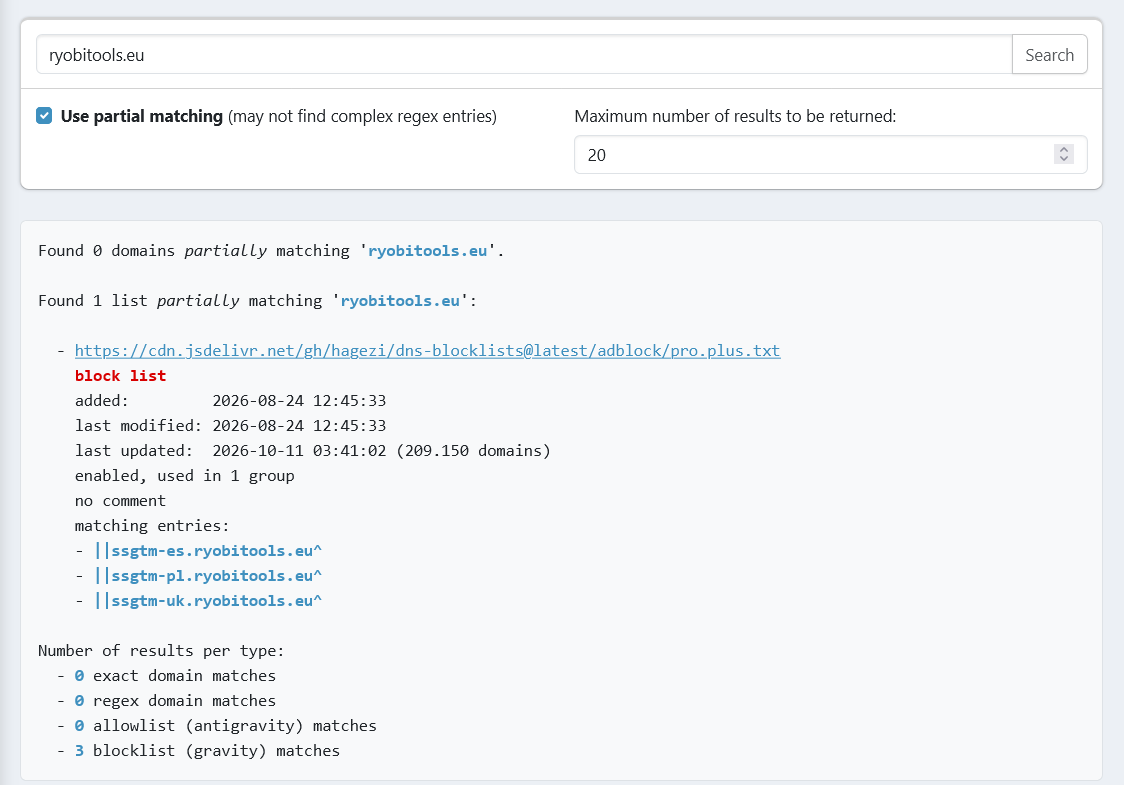
- type the domain and click on the "Search" button;
- the search results will show which list (or lists) contains that domain.
Note:
You can use "partial matching" to return values containing the search string, like this:
Then you decide if you want to remove the list or add a allowlist entry.