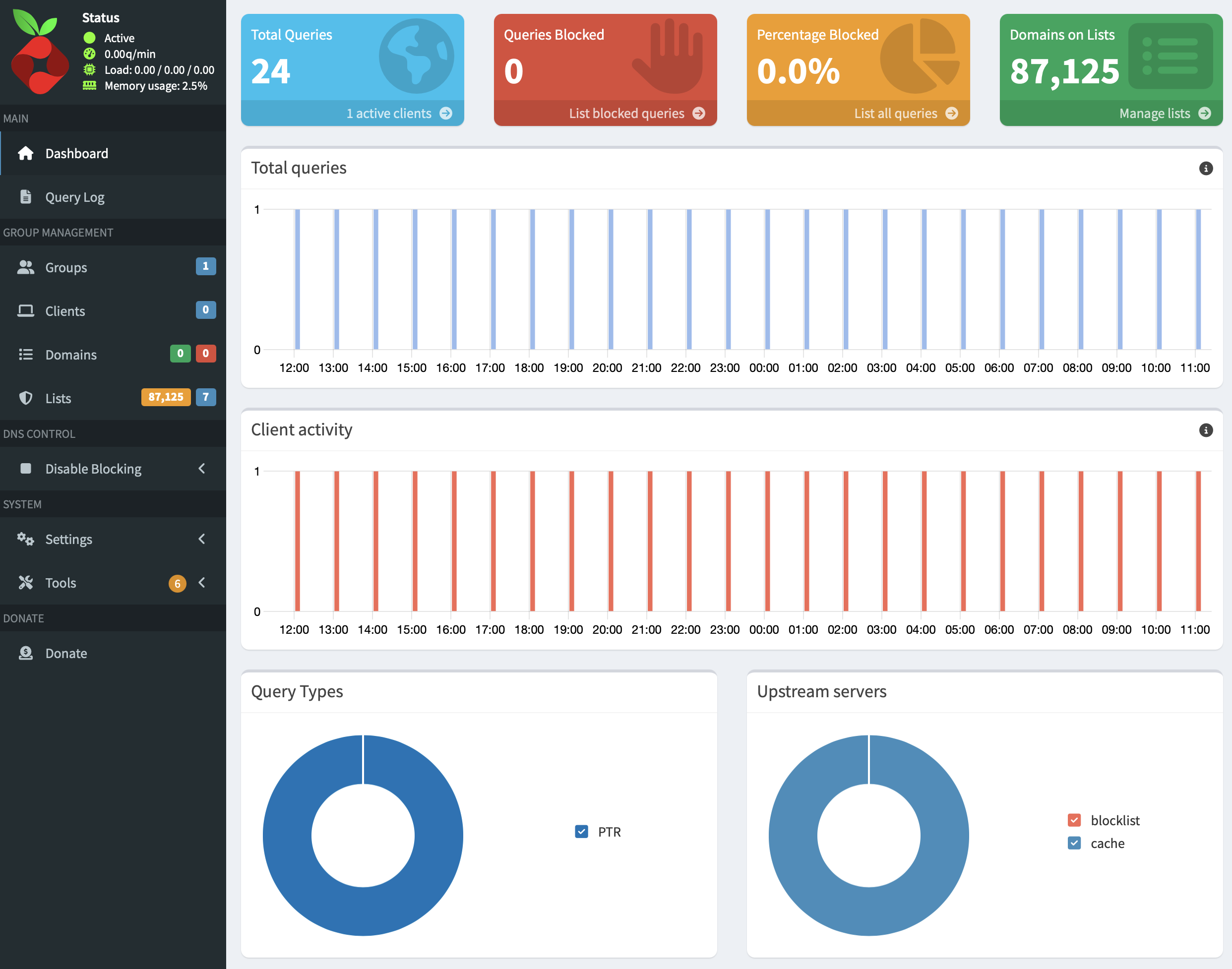
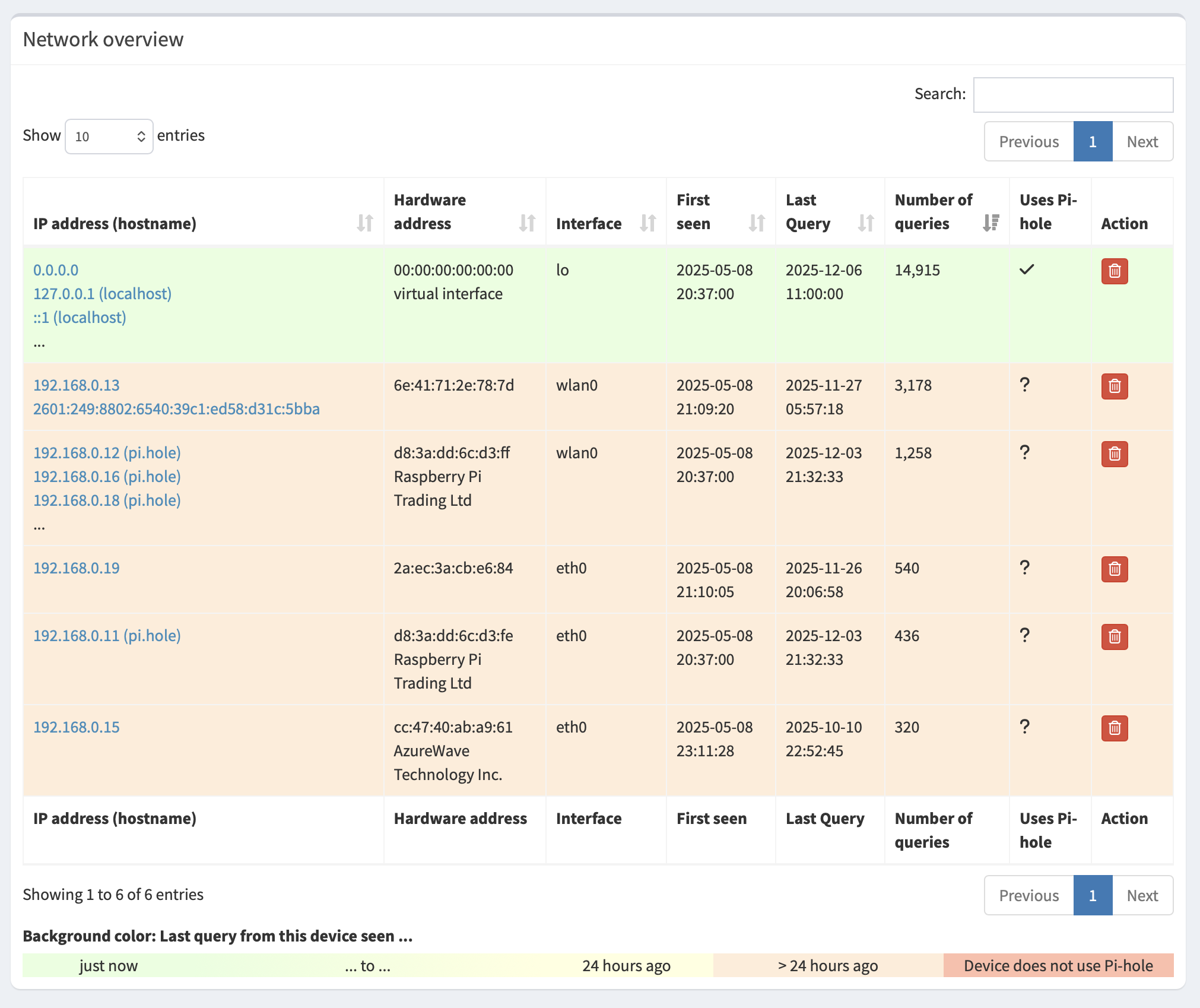
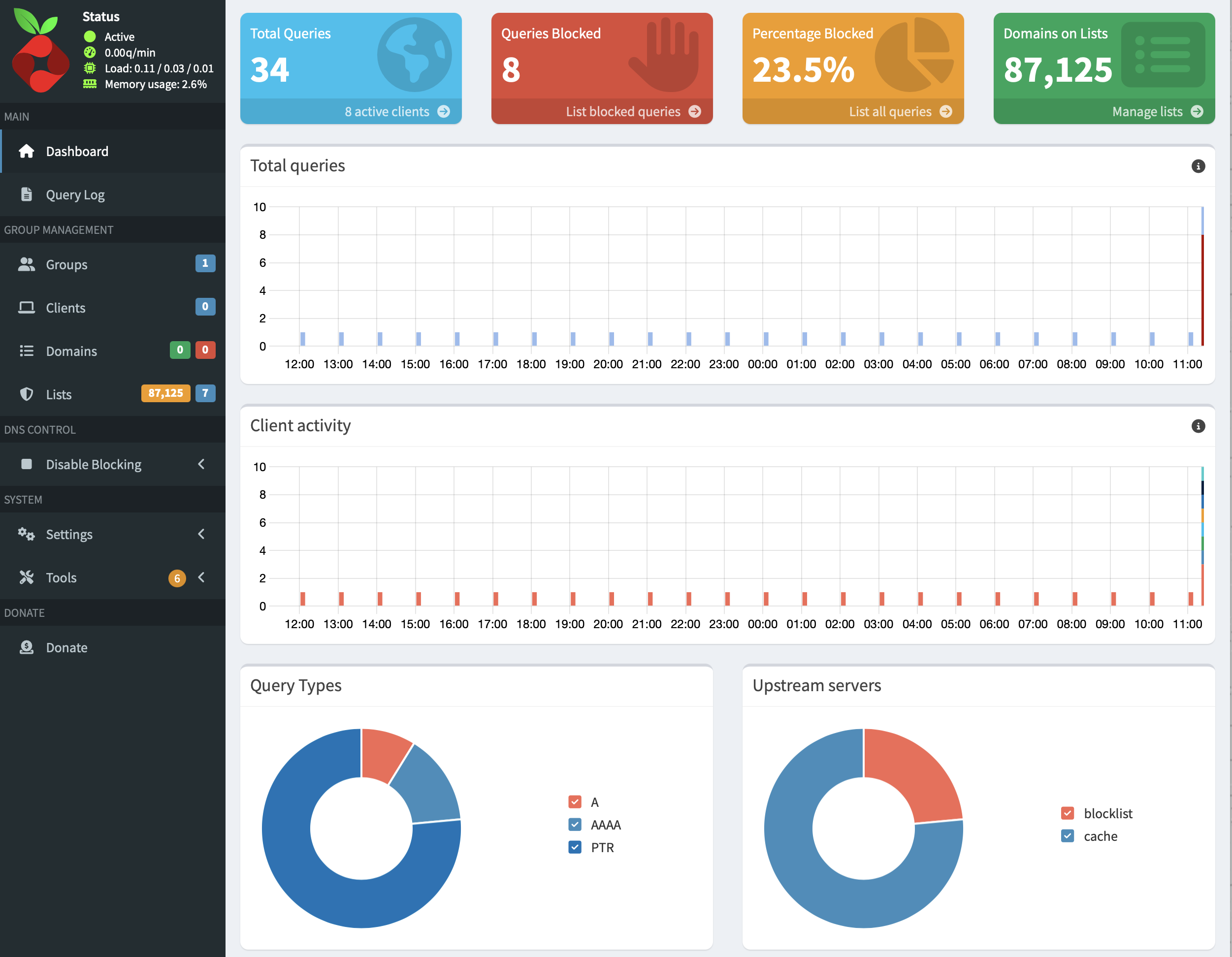
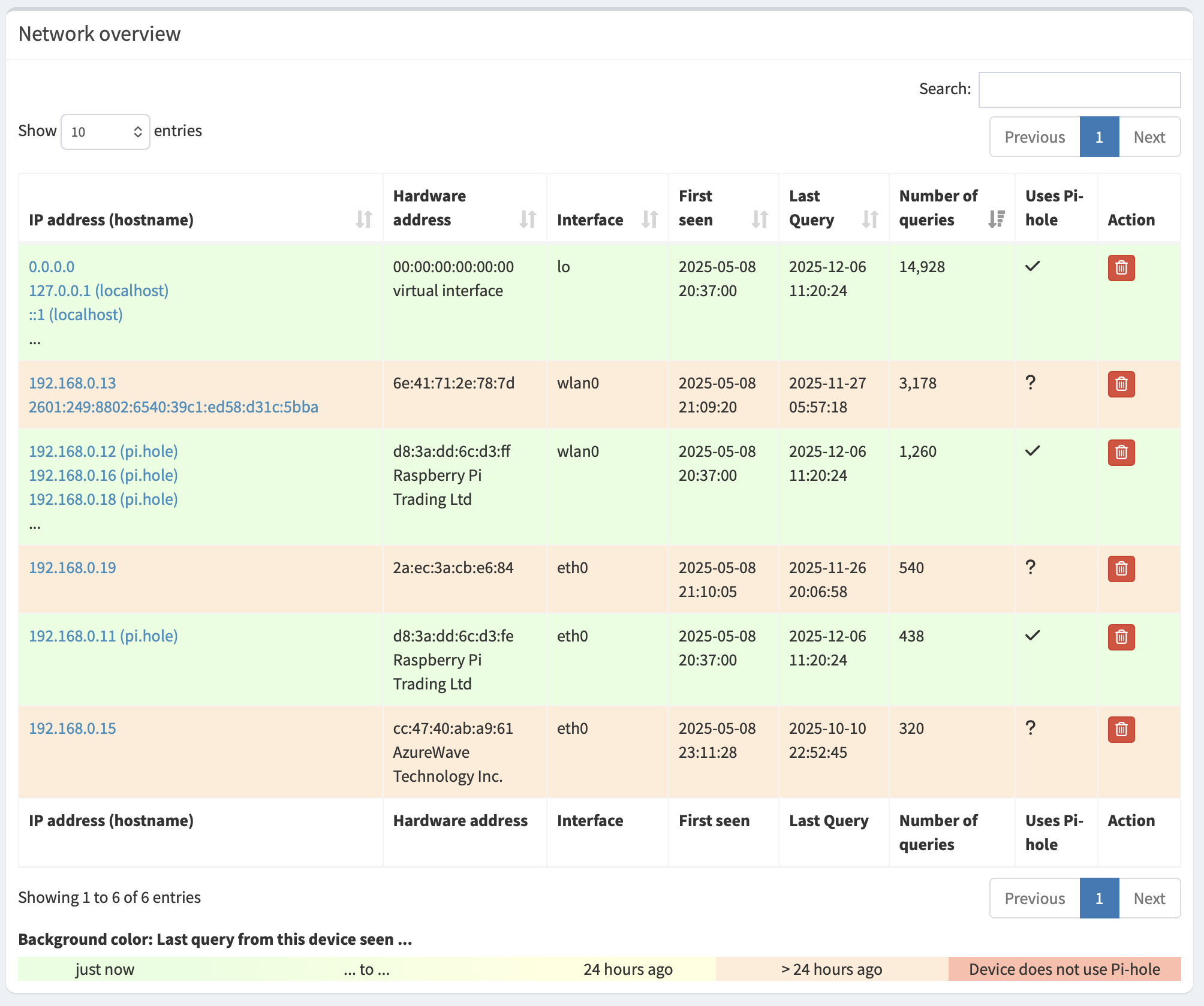
Ads aren’t being blocked, and the Pi-hole dashboard shows no activity. It shows the virtual interface as the only active client. An error says “Cannot resolve NTP server address: Try again.”
Details about my system:
Raspberry Pi 4. Using a Macbook Pro running Tahoe 26.1. I also have the Pi-hole Remote+ app, which currently can’t connect to Pi-hole.
What I have changed since installing Pi-hole:
I’ve been routinely checking for updates, but haven’t changed anything else. Since noticing the problem, I’ve installed updates again, rebooted the Pi, disabled and enabled Pi-hole, but that doesn’t affect anything.
*** [ DIAGNOSING ]: Network routing table
   default via 192.168.0.1 dev eth0 proto dhcp src 192.168.0.11 metric 202
   default via 192.168.0.1 dev wlan0 proto dhcp src 192.168.0.27 metric 303
   192.168.0.0/24 dev eth0 proto dhcp scope link src 192.168.0.11 metric 202
   192.168.0.0/24 dev wlan0 proto dhcp scope link src 192.168.0.27 metric 303
As a result, your devices are using a different DNS server.
Change DNS settings on your router to point to Pi-hole.
Ensure you are using a static address for your Pi-hole device, for both eth0 and wlan0,
as your screenshot shows that the wlan0 has had multiple addresses, and you are using one of these addresses for DNS queries, and that address may no longer be active.