The issue I am facing: Names of IPs not showing up after I added them manually
Details about my system: Ugreen Nas 4800
What I have changed since installing Pi-hole: to be honest I have no idea I was just following what YT videos were saying or Gemini if I couldn’t find what I want on YT but most of the settings are the same except for two lists that I added
Please upload a debug log and post just the token URL that is generated after the log is uploaded by running the following command from the Pi-hole host terminal:
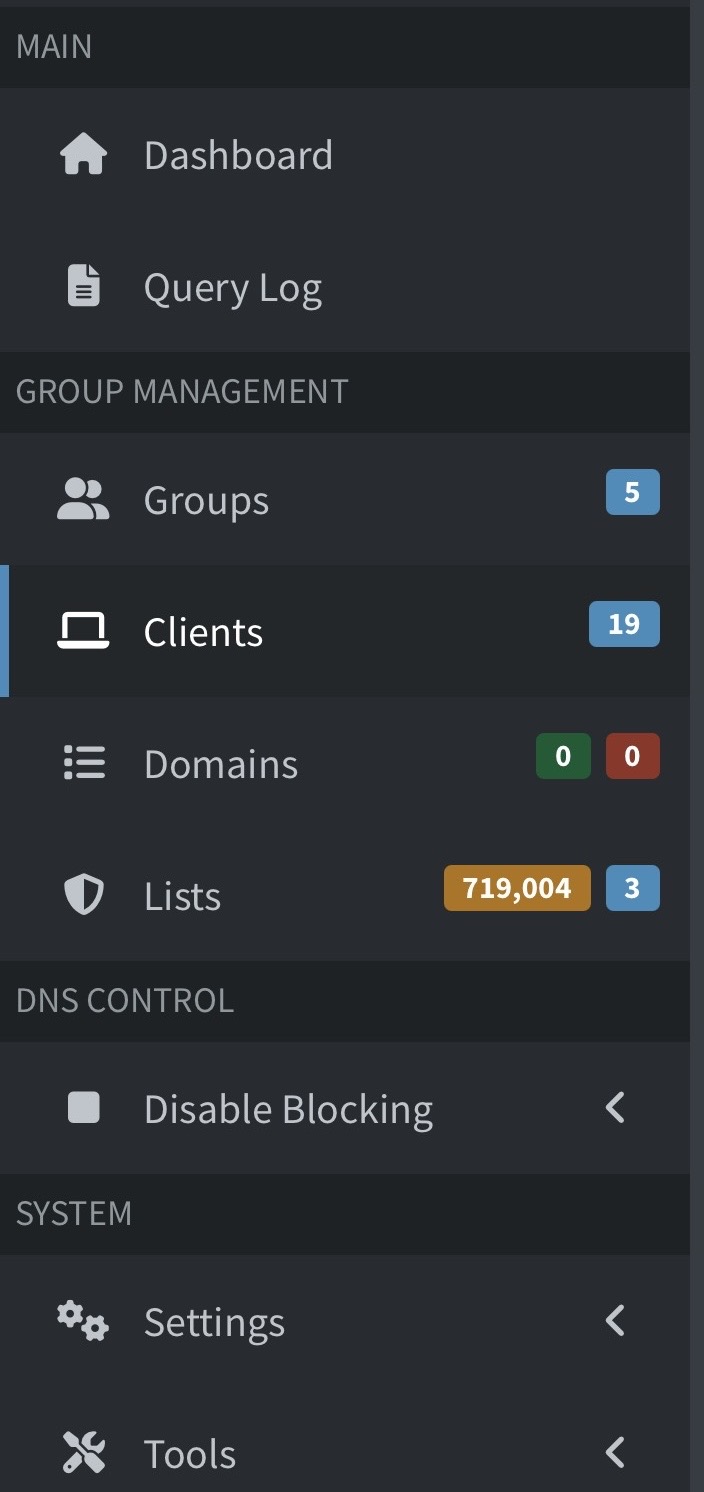
Looking at your debug log, I can only see you are using "Group Management" and you used the Comment field, but this is not the place to add names to clients.
This is just a comment used exclusively on that page.
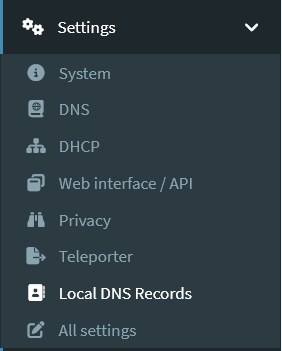
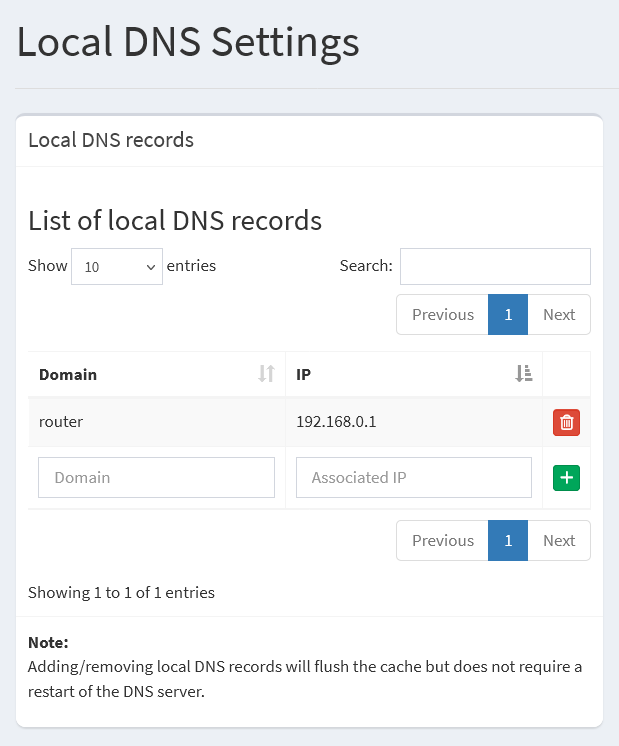
If you want to add names to your clients, you can try the Settings > Local DNS Records:
I also noticed you have 5 groups. All your clients are using groups 1 to 4 (manually created by you), but all your lists are assigned to group 0 (Default).
In this case, nothing will be blocked on your clients (Pi-hole was told to use no lists for them).
I think this is not your intention.
If this is the case, after fixing the client names, please assign the lists to all desired groups.