tldr, is it possible to delete local host entries via the API in v6?
I’m working on automating local DNS host entries against Pi‑hole v6.0 using the new REST API using git as a source of truth. I have a Bash script that:
Authenticates against /api/auth (returns a valid SID & CSRF token).
Fetches the existing hosts via:
curl -sS -H "X-FTL-SID: $SID" \
     -H "X-FTL-CSRF: $CSRF" \
     "$PIHOLE_API_URL/config/dns/hosts?sid=$SID"
returns 200 and a list of "ip hostname" entries as expected
Computes a diff of additions, updates, and deletions.
For deletions, issues:
curl -sS -w "\n%{http_code}" \
     -X DELETE \
     -H "X-FTL-SID: $SID" \
     -H "X-FTL-CSRF: $CSRF" \
     "$PIHOLE_API_URL/config/dns/hosts/1.1.1.1%20domain.co.uk?sid=$SID"
But every DELETE returns 404 and an empty body:
[DEBUG] DELETE request to:
  http://10.10.10.10/api/config/dns/hosts/1.1.1.1%20domain.co.uk?sid=9MCDl...
[DEBUG] HTTP status: 404
[DEBUG] Response body:
{"took":3.45e-05}
Yet the entry 1.1.1.1domain.co.uk is clearly present in the Pi‑hole UI under Local DNS
I’ve confirmed:
URL‑encoding is correct (ip+space+domain → %20).
SID and CSRF headers are being sent.
The GET call against the same /config/dns/hosts endpoint works flawlessly.
I also tried:
curl -v -X DELETE \
     -H "X-FTL-SID: $SID" \
     -H "X-FTL-CSRF: $CSRF" \
     "$PIHOLE_API_URL/config/dns/hosts/$(urlencode "1.1.1.1 domain.co.uk")?sid=$SID"
with no luck, always 404
Is there a different endpoint or URI format for deleting local DNS host entries under Pi‑hole v6?
Do I need to supply any additional query parameters or JSON payload?
Am I misunderstanding the API docs for DELETE /config/dns/hosts/{value}?
If there isn't an API endpoint for deleting entries,
are you likely to implement one?
would falling back to editing the pihole.toml file be a valid solution?
Obviously I would prefer to do everything via the API - the use case being managing multiple piholes via Git as the source of truth
You can use the API documentation already installed with your Pi-hole: http://10.10.10.10/api/docs
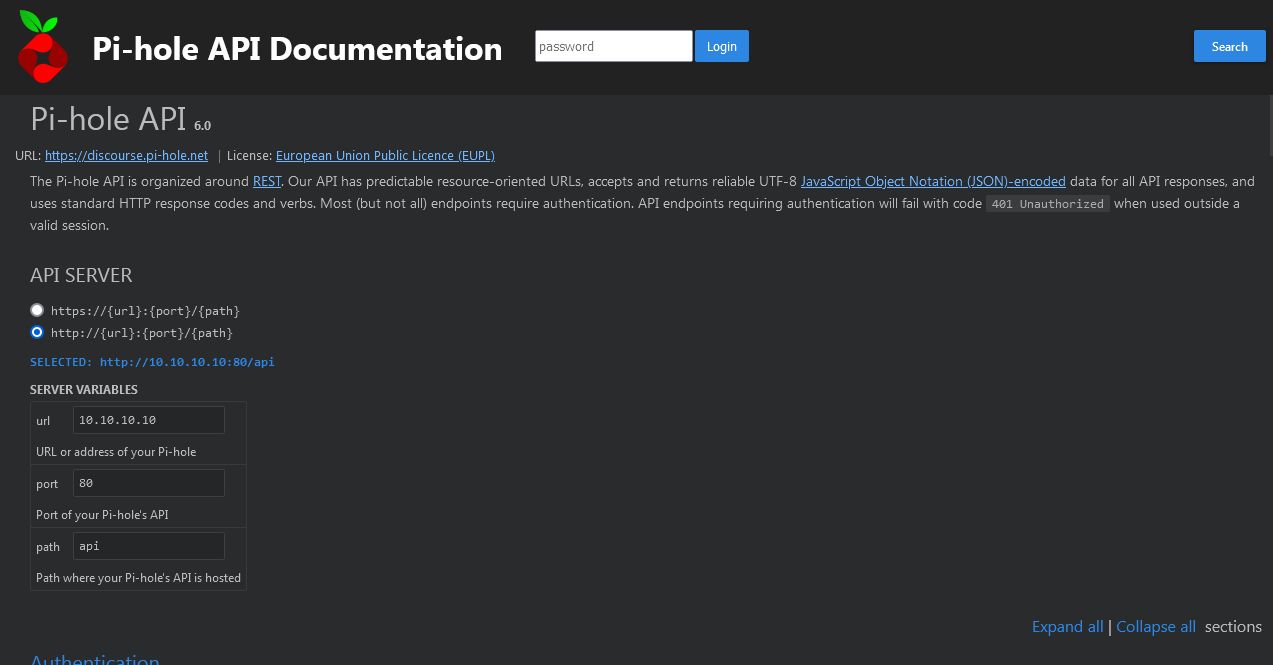
In the API SERVER section: select http or https and use your IP as URL.
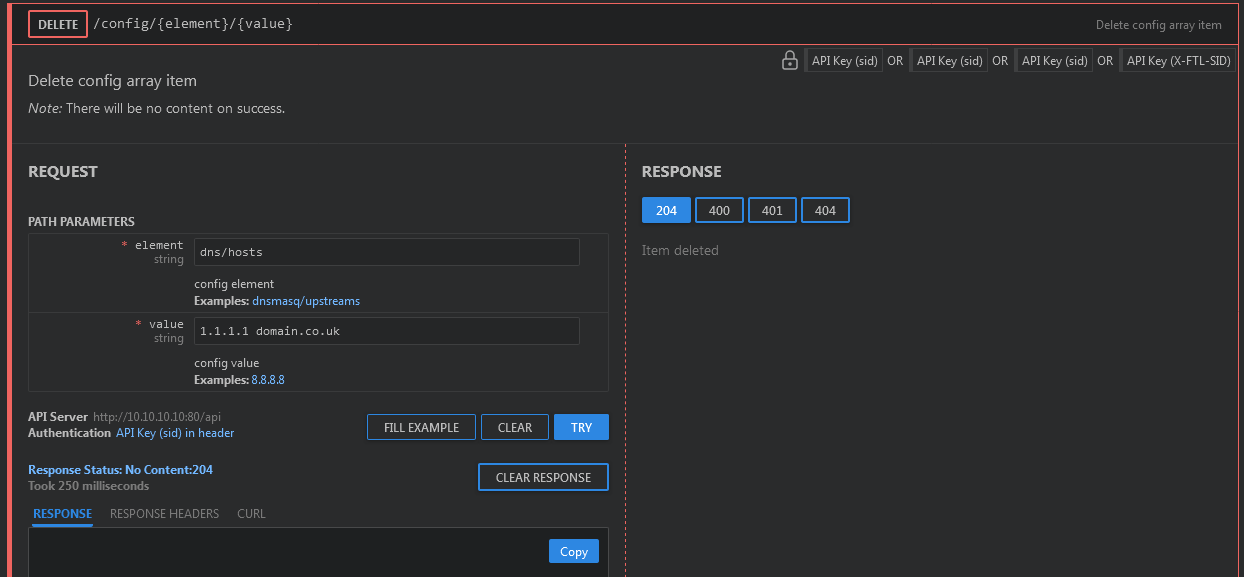
Then you can scroll down to DELETE /config/{element}/{value} , fill the parameters with dns/hosts and 1.1.1.1 domain.co.uk and click on TRY
You can select the "CURL" tab to check the command:
curl -X DELETE "http://10.10.10.10:80/api/config/dns%2Fhosts/1.1.1.1%20domain.co.uk" \
 -H 'accept: application/json'\
 -H 'sid: ksdEOTAqoWLlTg3Rxd57Xw='
useful to know, i didn't know that existed. thanks!
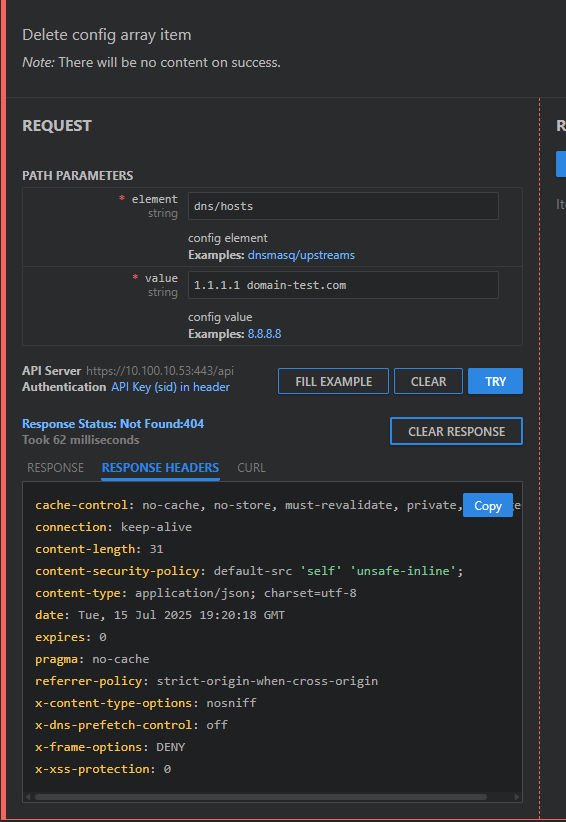
I still get a Response Status: Not Found:404 doing this - does it work for you?
CaveJohnson:
does it work for you?
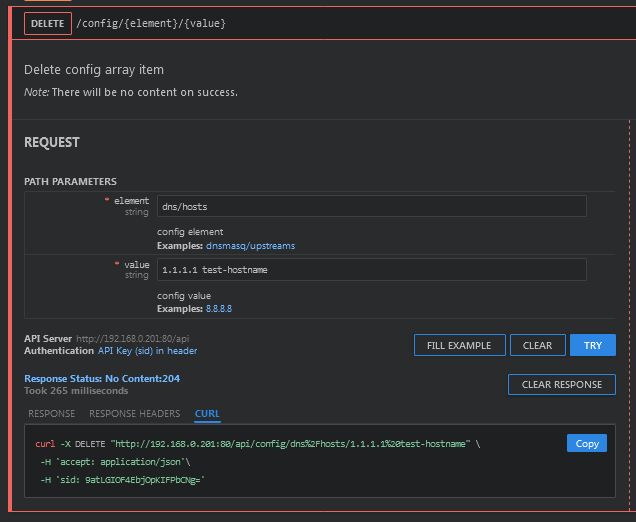
Yes, it does.
As you can see on the image, I received 204 status code, which means the item was removed and there is nothing to be returned:
I may have found a small bug - the real domain I am using / testing with has a dash in it.
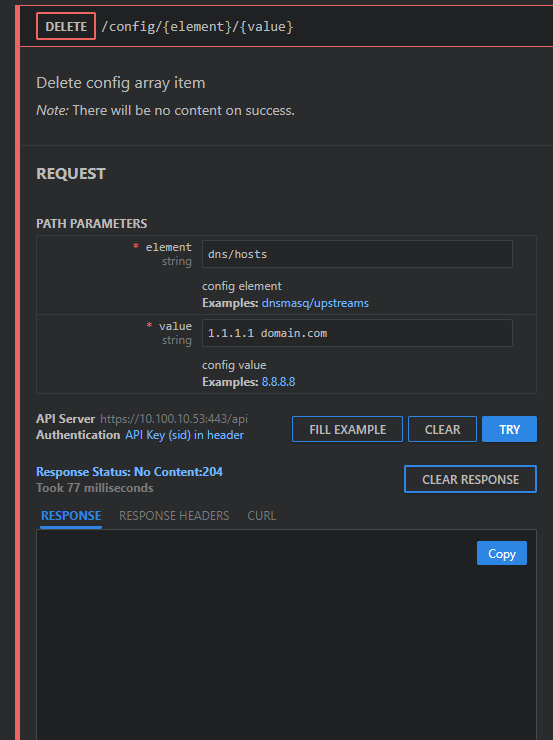
domain.com works fine
where as a URL with a - (dash) in it fails
domain-test.com
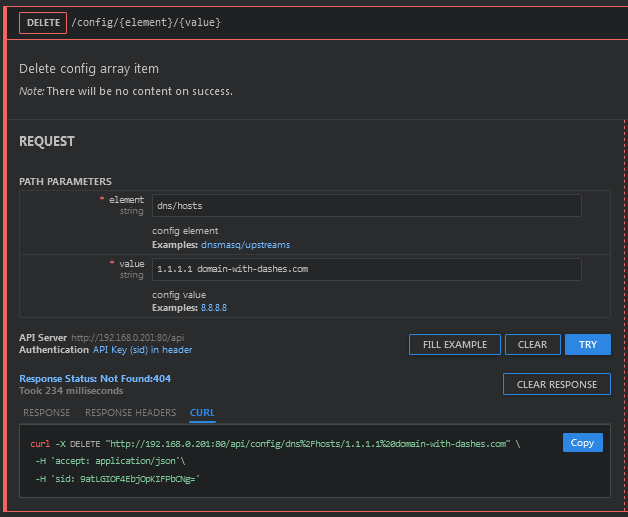
I only get 404 if I try to delete a non-existent host. In this case, 404 (not found) is the expected response.
I just tested creating 2 hosts containing dashes and then delete them using the /api/docs interface and everything worked:
very strange. I can recreate the issue consistently.
I am on version
okay i believe i have got to the bottom of this, when duplicating entries via the web GUI, if not careful a extra space char gets added to the domain name. This isnt then visible again via the GUI, but will mean the entry you try to delete via the API does not exist.
system
August 5, 2025, 10:54pm
10
This topic was automatically closed 21 days after the last reply. New replies are no longer allowed.