If you do it right I don't see the issue to be honest :
Your WAN is always your WAN with it's own DNS Servers configured.
Your WLAN/LAN side will always have it's own IP Address.
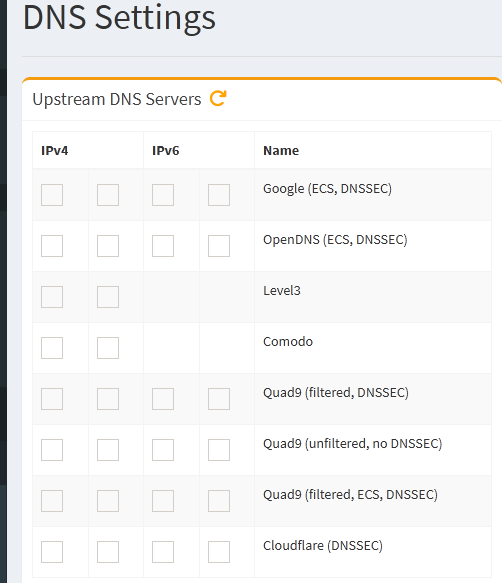
You can use Public DNS Servers for DNS Resolving if needed...
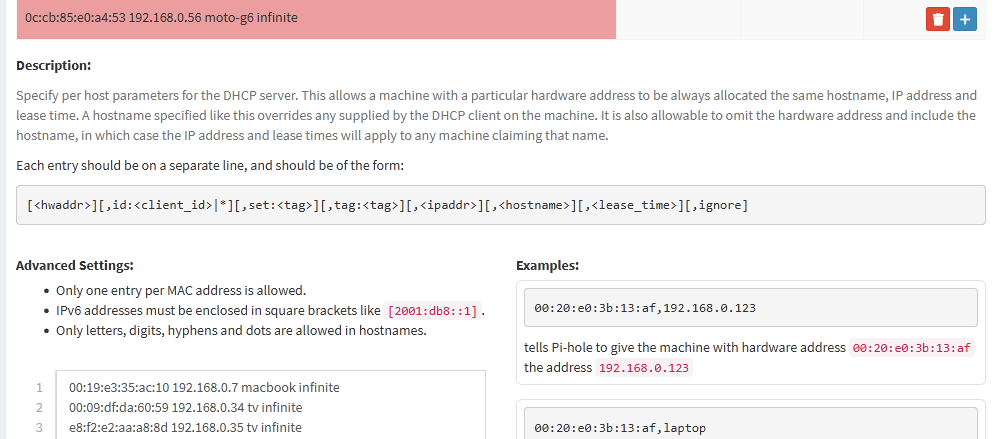
The PC/Laptop you are working with can have a Static IP Address configured so it won't need DHCP at all.
Or you can configure a very long DHCP Lease time! Whatever works!
In the end Pi-Hole's FTLDNS Engine will replace DNSmasqd and everything will keep working just fine!
Good luck!
P.S. : Make sure Pi-Hole's webGUI ports 80 and 443 are not reachable via WAN !!
Either Firewall them or configure the Interface to which Pi-Hole binds correctly or just apply both ofcourse!
Probably. We can't be sure what the issue is without seeing your configuration.
Please generate a debug log (sudo pihole -d), answer "Y" when asked to upload the file. This will generate and show you a Token. Copy and paste here only the token.