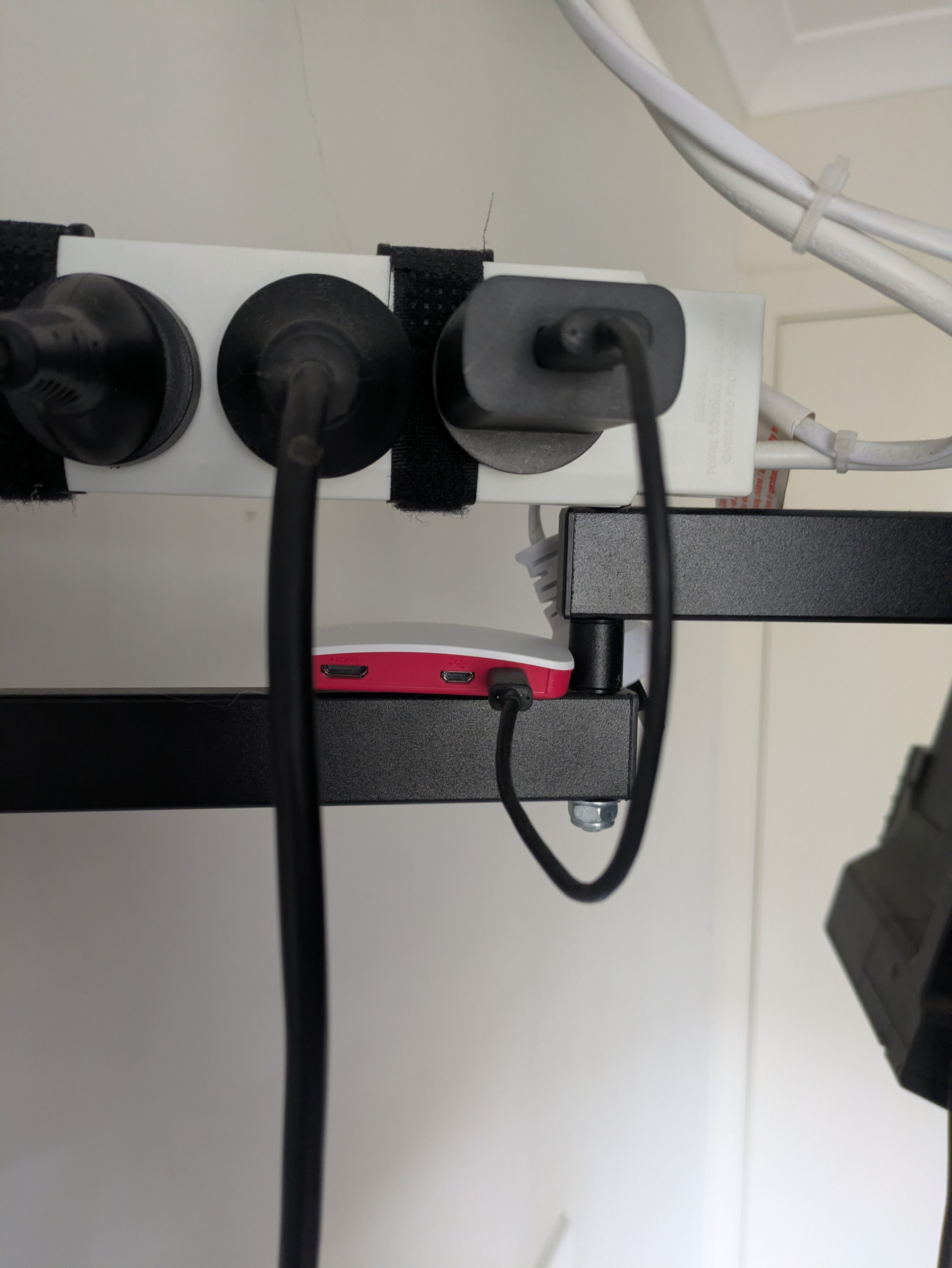
Hello everyone, I'm new to this and hopefully I can get some help.
It's been a bit since I login back into the pihole and now I can't do it through the terminal and PowerShell using the IP that was set. I've tried the IP address and the user@host.local.
But had an idea to try the tailscale ip and that works. I don't know what's going on.
Details on the device:
Raspberry Pi Zero 2. Running Raspberry Pi os Lite 32bit Debian Trixie w/ no desktop environment.
SSH is enable
It has IPv4 not IPv6
What I've tried:
ssh user@host.local and host@user.local say, ssh: Could not resolve hostname host.local: No such host is known.
ssh user@host and host@user say, ssh: Could not resolve hostname hostname: No such host is known.
Typing the Ip address w/admin (192.168.x.x/admin) or (192.168.x.x:80/admin) in the web browser say, This site can’t be reached
Pinging the ip that was set say, Request timed out, Packets: Sent = 4, Received = 1, Lost = 3 (75% loss)
Pinging the tailscale ip say, Packets: Sent = 4, Received = 4, Lost = 0 (0% loss)
I can access it on through the browser on the tailscale ip not on the set ip.
If there's anything that I've missed please tell me.
But I've found out that if I unplug it and plug it back it works again and it happen this time as well. I don't know if it's the internet doing it. The internet where I live is not great but I can use it. I there any information about the internet disconnecting and/or having to turn on/off the power to the board.
I have it powered from a phone charger. It's not near the wifi router.
If you cant login via console, you cant do a thing to diagnose.
Except maybe drop the SD card into another Linux host to check logs and the systemd journals.
Because its a Pi, the only recommendation I can give is to try out a better rated AC adapter.
Or exchange the USB power cable for a better one (thicker and shorter is usually better).
Pi's are very susceptible to poor power.
Oh ok then. I read on that document as much as I can.
Ohhhhh, I looked at KVM on google because I didn't know what you mean from that. It said Keyboard, video and mouse and Kernel-based Virtual Machine (KVM). I thought that you meant the Virtual Machine. Sorry
Thank you for this I really do appreciate it. Have a lovely day