Expected Behaviour:
Hello yall! Trying to set up a pi-hole to primarily get rid of them adds on google and youtube, but also to get some security added to my network hopefully.
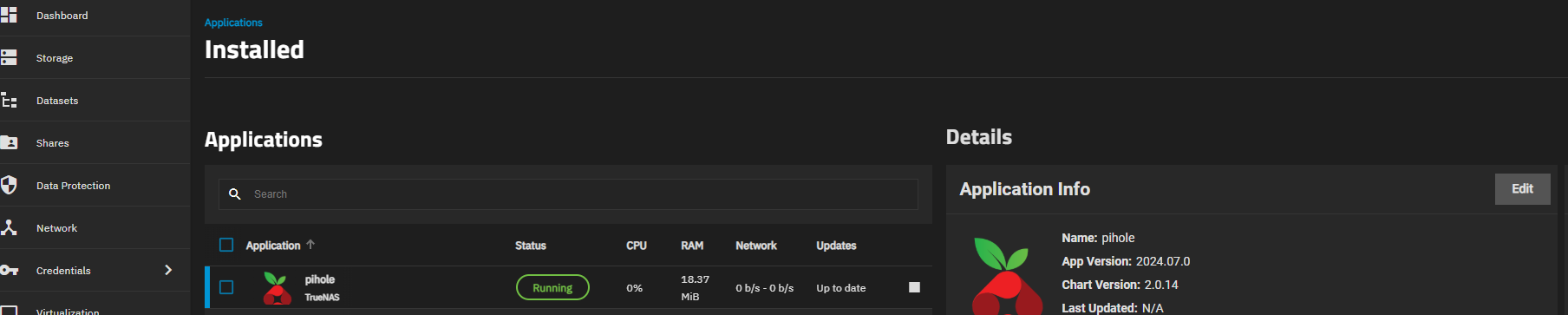
- Operating System (Family and Version): Truenas Scale Dragonfish-24.04.2.5
- Hardware Intel(R) Core(TM) i7-3770 CPU @ 3.40GHz, and some more old components (pc is working fine, running plex on it for 5 years)
Actual Behaviour:
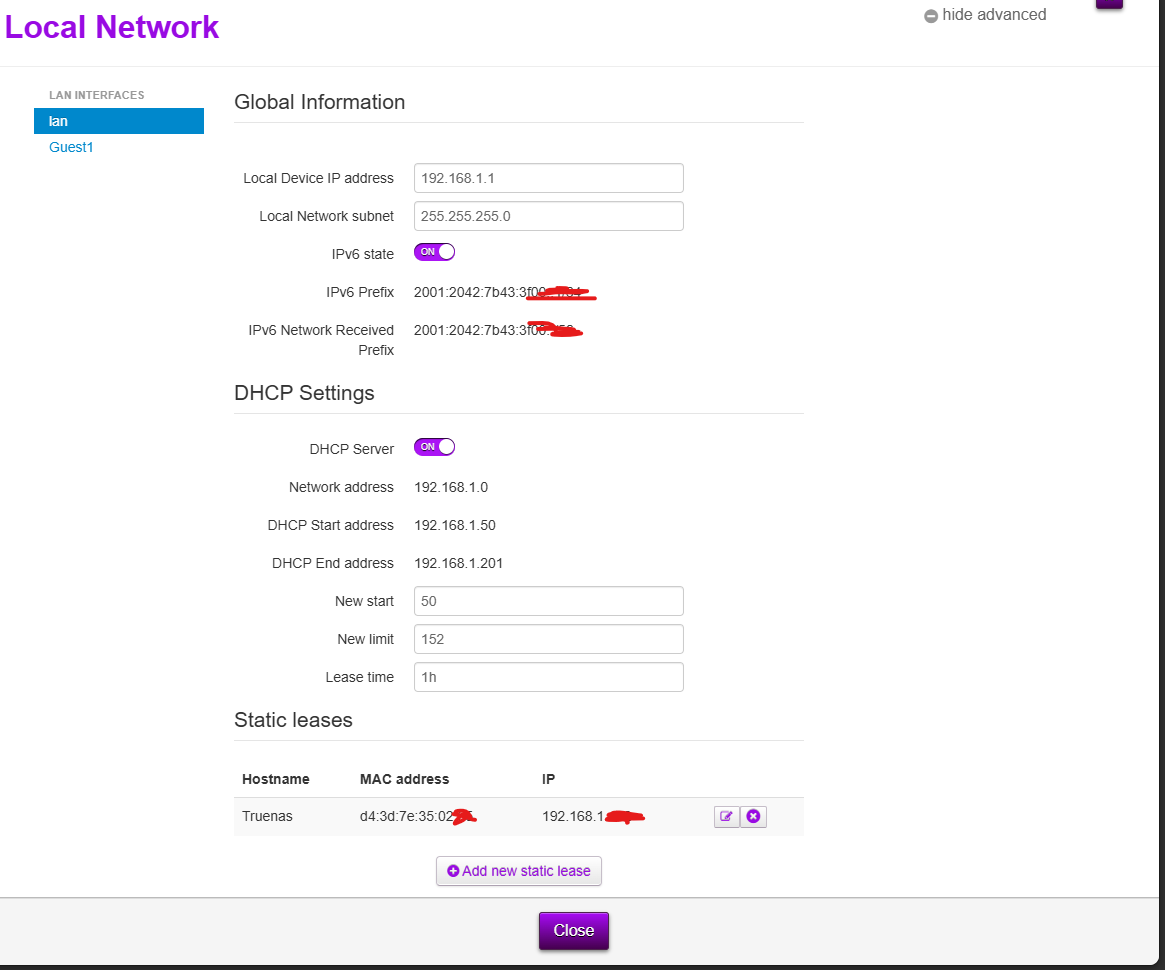
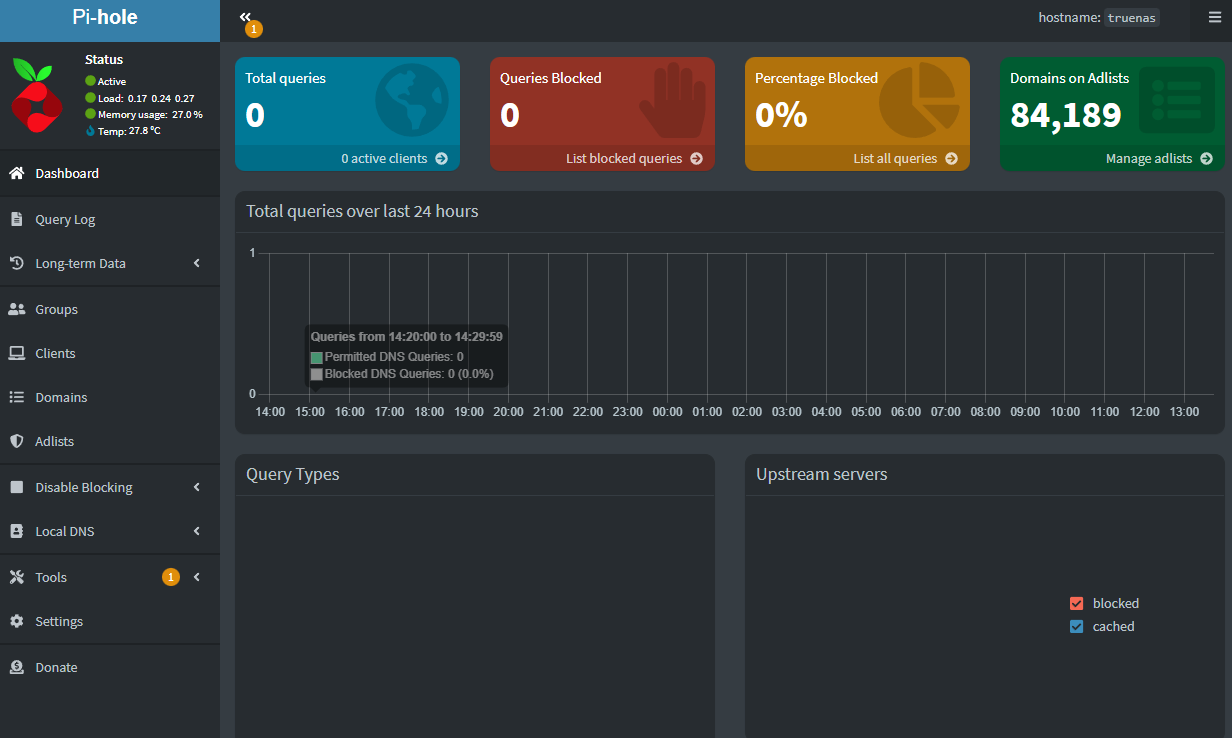
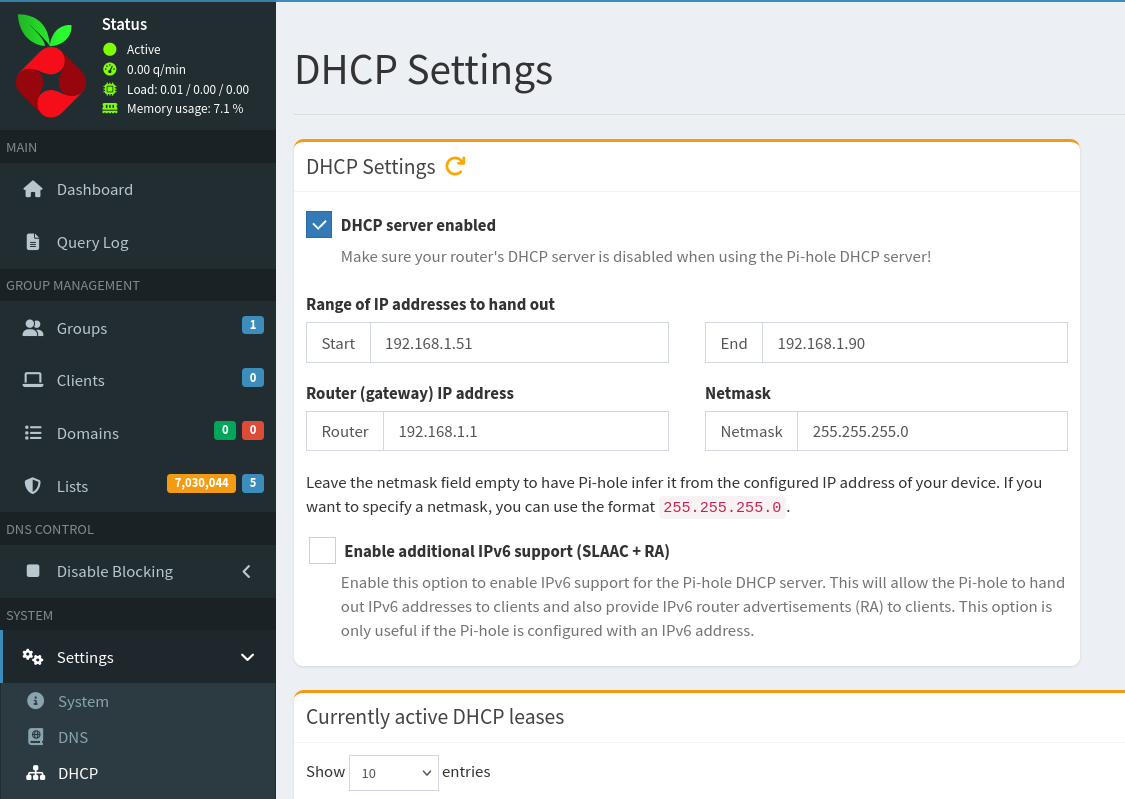
The pi hole starts up and i can acces ui but it does not actually do anything. It finds the ip adresses for my devices put the devices are not going thru the pi hole. I have tried to force my pc to lock onto DNS (ip) that is the pi-hole but nothing happens. When i turn off ipv6 and try to force ipv4 i no longer get any internet acces. I think i am missing some settings in the router. Maybe my router simply cant do this? i am sending a picture of all settings i have in my router aswell, it aint much. Any tips is much appreciated!
Debug pictures