Can't access web ui

Expected Behaviour:

I want just able to access web UI like 5 minutes ago. I have port forwarding on in my router settings. I was just messing around with the domains and stuff and suddenly I can't access the web ui

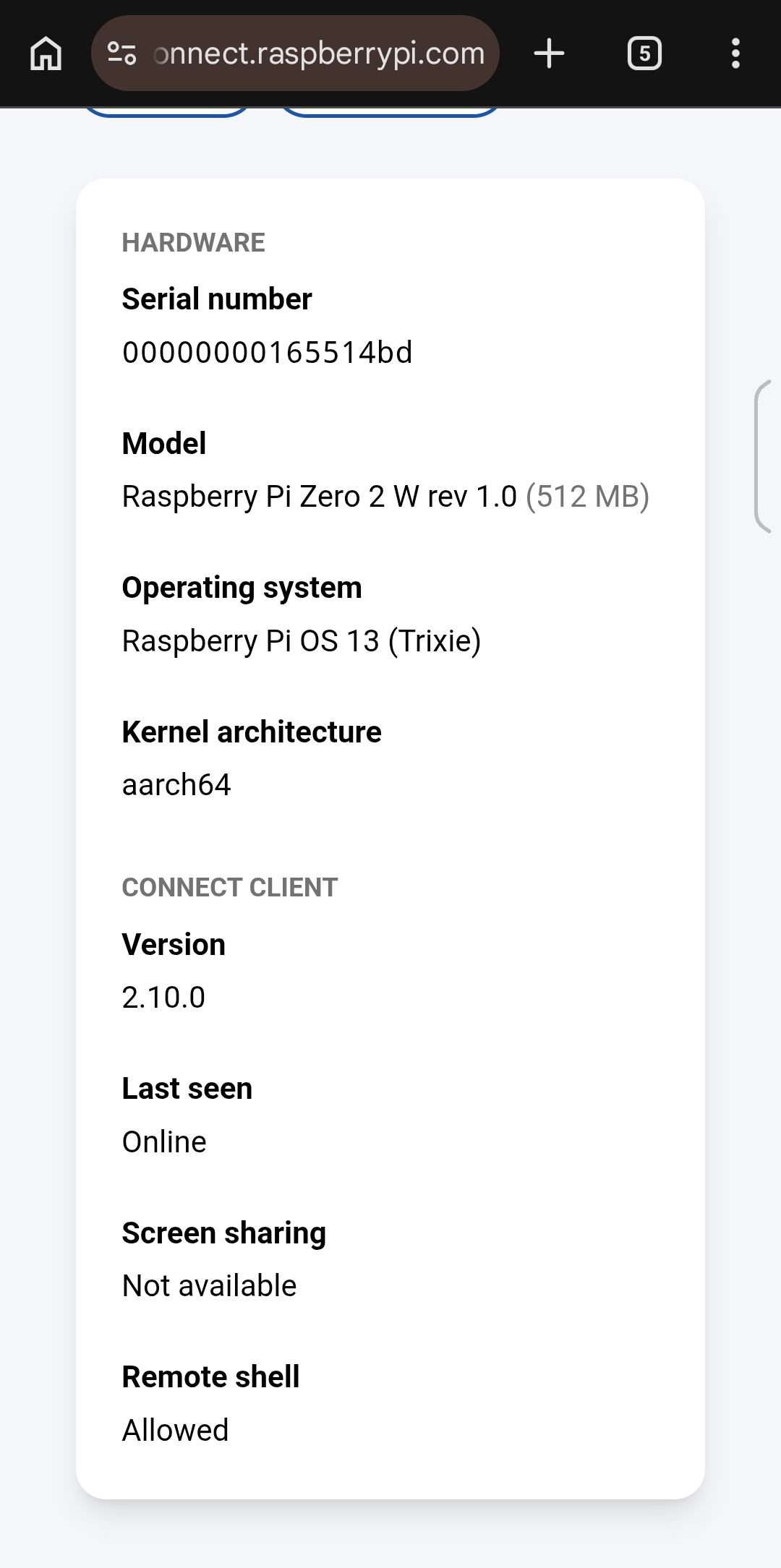
  • Operating System (Family and Version): Raspberry Pi OS 13
  • Hardware: Raspberry pi zero 2 w

Actual Behaviour:

I can't access web ui. When I type http://192.168.50.246/admin in Chrome I get This site can’t be reached

http://192.168.50.246/admin is unreachable.

ERR_ADDRESS_UNREACHABLE

Debug Token:

https://tricorder.pi-hole.net/5HkK2J9t/

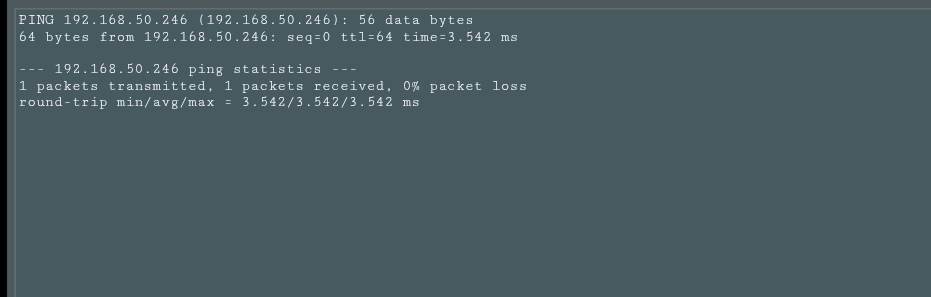
Can you reach 192.168.50.246 by a ping ?

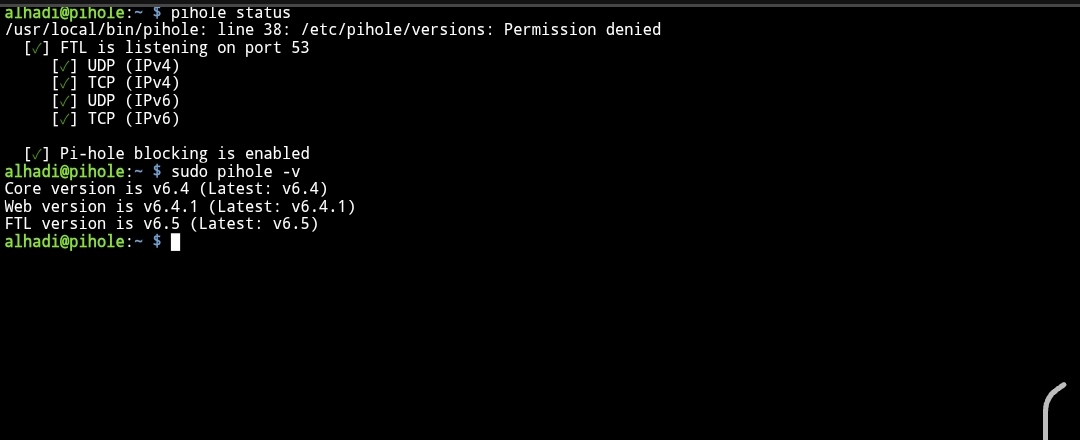
Let's see what the debug file reports.
I have no access to it.

What do I have to do?

If you have seriously Port Forwarded access to the webGUI then please DISABLE it A.S.A.P. and reboot your Pi-Hole to make sure the number of maximum webGUI sessions is reset and all possible hacking attempt connections from the Internet are gone too !!!

If you want to access your Pi-Hole from remote networks then consider running a VPN like Wireguard for example :wink:

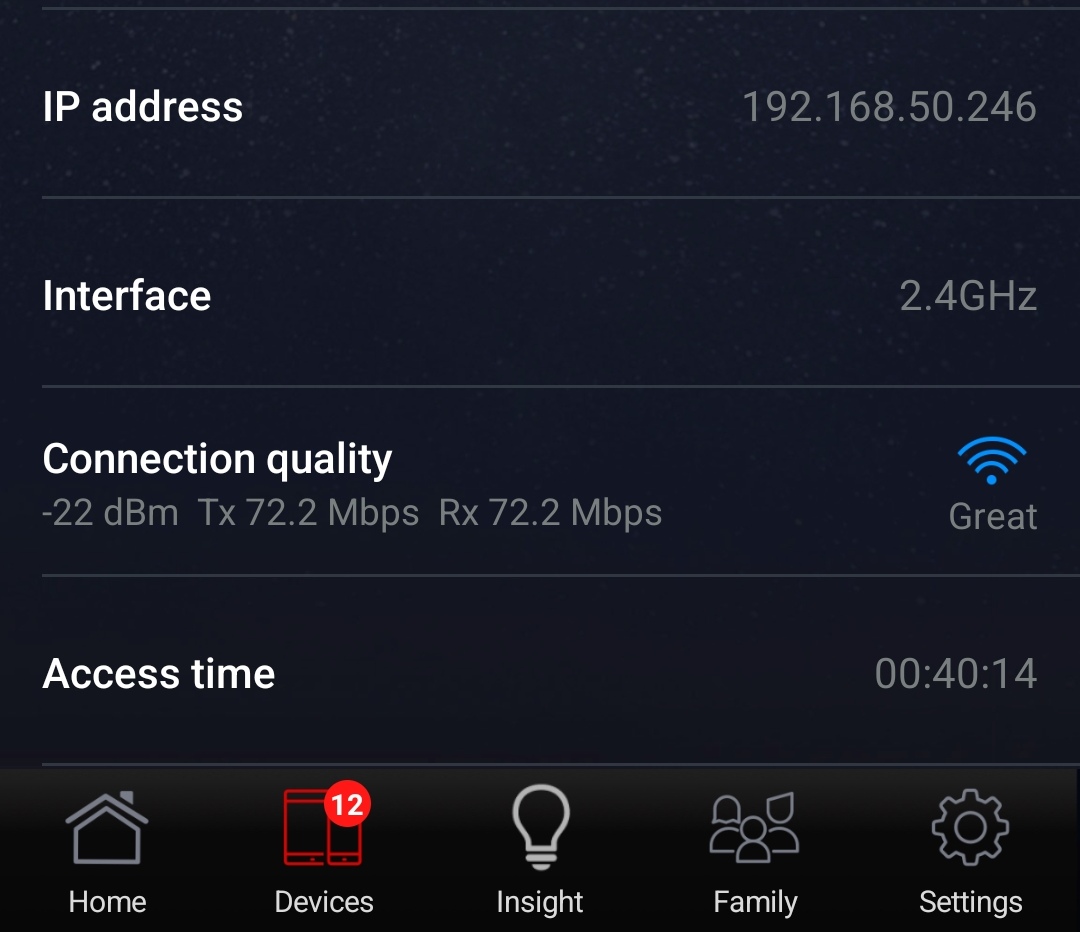
Ok so I think I have something wrong with my router cause when I restart my router I'm able to access the GUI but after like 1 or 2 minutes the GUI stops working and the same message comes again. I have an Asus router btw. And I do have ip reservation in dhcp settings. And I disabled port forwarding

I highly recommend disabling any port forwarding to your Pi-hole (especially Port 53 or Port 80/443) immediately!

If Port 53 is open to the internet, your Pi-hole becomes an Open Resolver. Bots will find it and abuse it. Same for Web UI.

If you want to access your Pi-hole from outside your home, please use a VPN like WireGuard (check out PiVPN) or Tailscale.

1 Like

Note about forwarding ports on the router:

Don't do it!!!

If you are forwarding ports to access Pi-hole from outside your network, you are doing it wrong. Use a VPN. Never expose port 53 on your router.

If you are forwarding ports to access Pi-hole inside your local network, you are also doing it wrong.
There is no need to open ports on your router if you only use Pi-hole locally.
1 Like

Your debug log shows Pi-hole is using the correct IP (192.168.50.246) and the web server is running on ports 80 and 443:

[✓] tcp:0.0.0.0:443 is in use by pihole-FTL
[✓] tcp:0.0.0.0:80 is in use by pihole-FTL

Let's check if the web interface can be reached from your machine.

On the command line, execute this command and post the output:

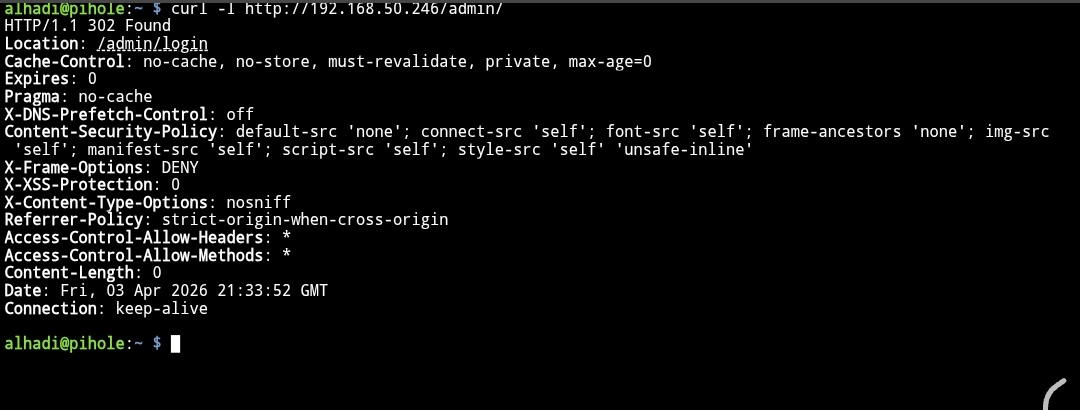
curl -I http://192.168.50.246/admin/

The output shows the web interface is answering as expected. The page was found.

Are you still having issues on your browser?

Yes

Did you try the curl command from the same machine where your browser is installed?

If it was from a different machine, please try again from the same machine where you are seeing the issue.

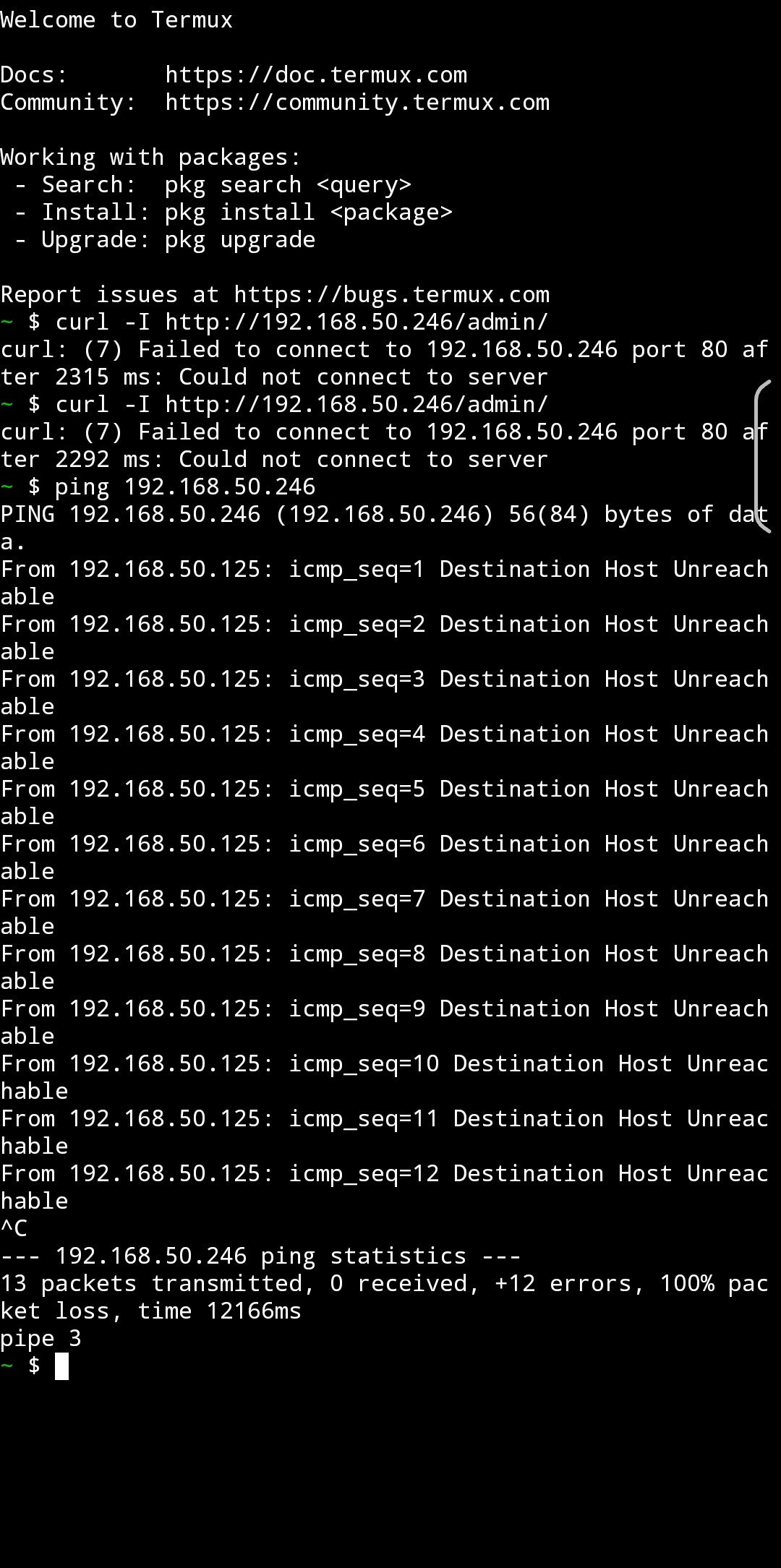
my browser is on Android so I used termux but lemme try with a computer

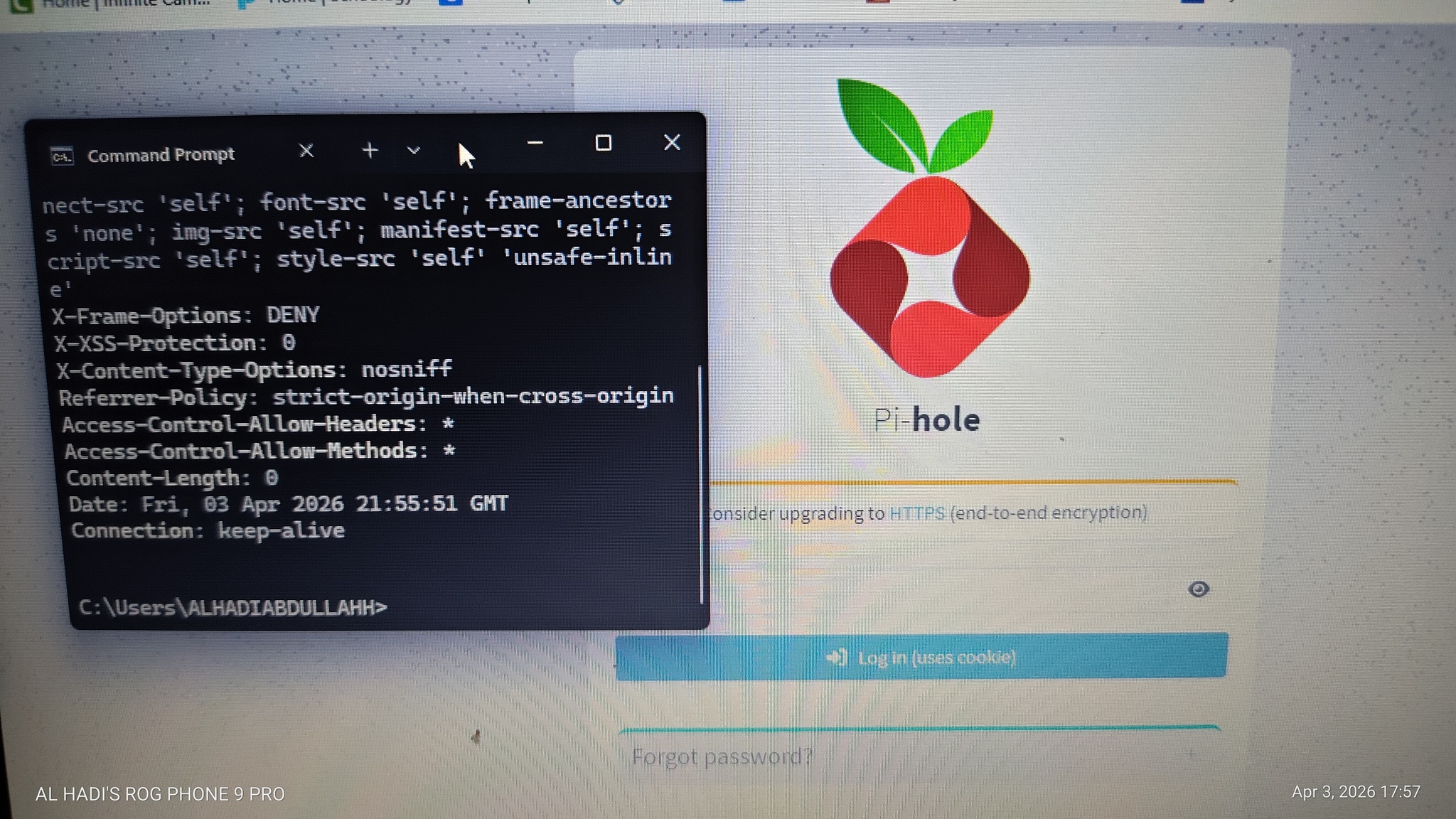
so it does work on my laptop

This is clearly a network issue.

Is your phone connected to the same network? Or are you using a different network (maybe a Guest network)?

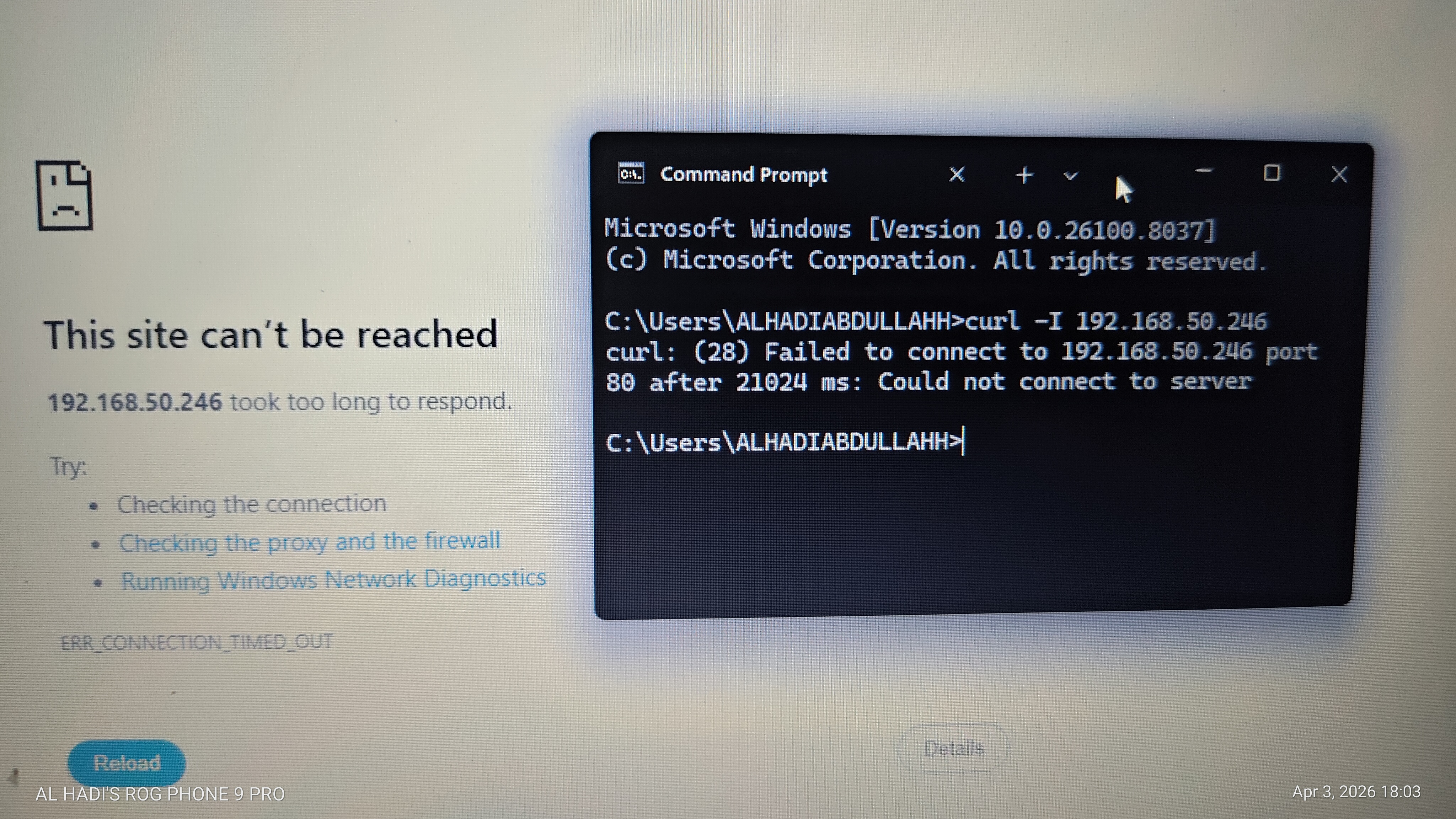
Same network and now

my pc is not connecting too same thing happened on my phone too I was able to connect for like a minute

Check if your Raspberry Pi is connected to the network when the issue happens.

Maybe the wifi connection is dropping from time to time, causing the intermittent issue.

im able to ping my computer from the raspberry pi but I can't ping raspberry pi from my computer