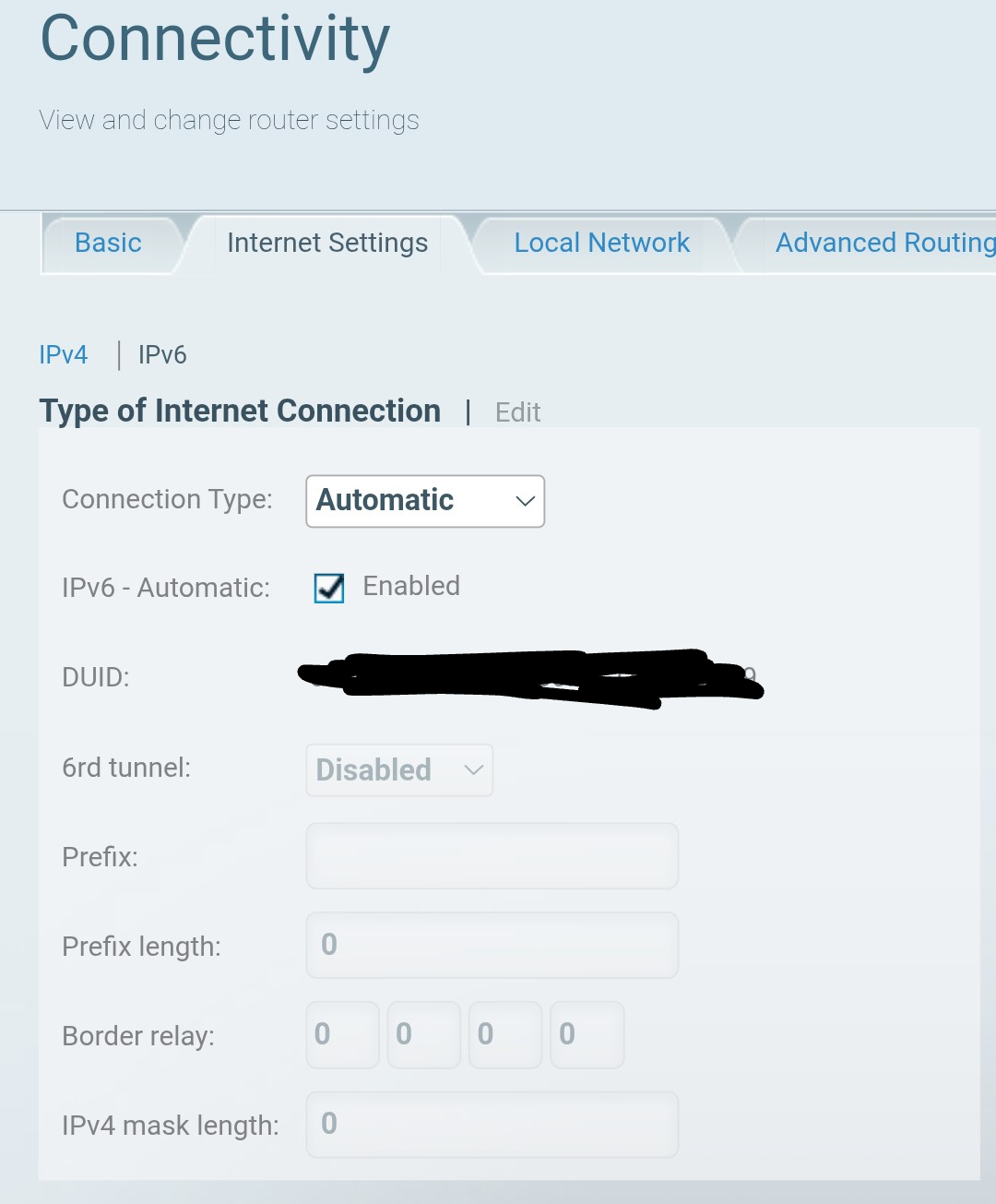
USing pihole as DHCP server going to https://pi.hole/admin/ on any device returns "We can’t connect to the server at pi.hole." The web ui is accessable via ip.
   Scanning all your interfaces for DHCP servers and IPv6 routers
[..]
     Recursive DNS server 1/1: 2603:8000:XXXX
Your new router is advertising above IPv6 DNS server (from the debug log & redacted) via something thats called "IPv6 Router Advertisement".
And which most likely is not Pi-holed?
$ dig +short -x 2603:8000:XXXX
XXXX.spectrum.com.
And clients prefer IPv6 over IPv4 DNS.
Check if your router is listed in below "Router setup" link:
Else post router make/model here and maybe someone knows how to fix?
Well you have to stop it from advertising that IPv6 RDNSS address (Recursive DNS Server) via IPv6 RA.
Or have it only advertise the Pi-hole host IPv6 ULA address (the LLA might also work).
Or disable native IPv6 support entirely on the router LAN side only.
As long as your clients are getting that RDNSS presented via IPv6 RA, they will bypass Pi-hole.
EDIT: You can run below one and you'll see that RDNSS getting advertised and by whom:
sudo pihole-FTL dhcp-discover
Dont post unredacted output for above one here for privacy!
I don't think my router will allow me to disable ipv6, at least it is unclear to me how right now. I would like to have pihole setup with unbound on ipv6 if possible. How do I do that?
moksh@pihole:~ $ sudo pihole-FTL dhcp-discover
Scanning all your interfaces for DHCP servers and IPv6 routers
Timeout: 6 seconds

* Received 144 bytes from REDACTED @ eth0
  Hop limit: 64
  Stateful address conf.: No
  Stateful other conf.: Yes
  Mobile home agent: No
  Router preference: Medium
  Neighbor discovery proxy: No
  Router lifetime: 1800 s
  Reachable time: N/A
  Retransmit time: N/A
  - Prefix: REDACTED
    Valid lifetime: 521646 sec
    Preferred lifetime: 521646 sec
    On-link: Yes
    Autonomous address conf.: Yes
  - Route: REDACTED
    Route preference: High
    Route lifetime: 604800 sec
  Recursive DNS server 1/1: REDACTED
  DNS server lifetime:300 sec
  DNS search list: search.charter.net
   DNS search list lifetime: 300 sec
  MTU: 1500 bytes (valid)
  Source link-layer address: REDACTED

Received 0 DHCP (IPv4) and 1 RA (IPv6) answers on eth0
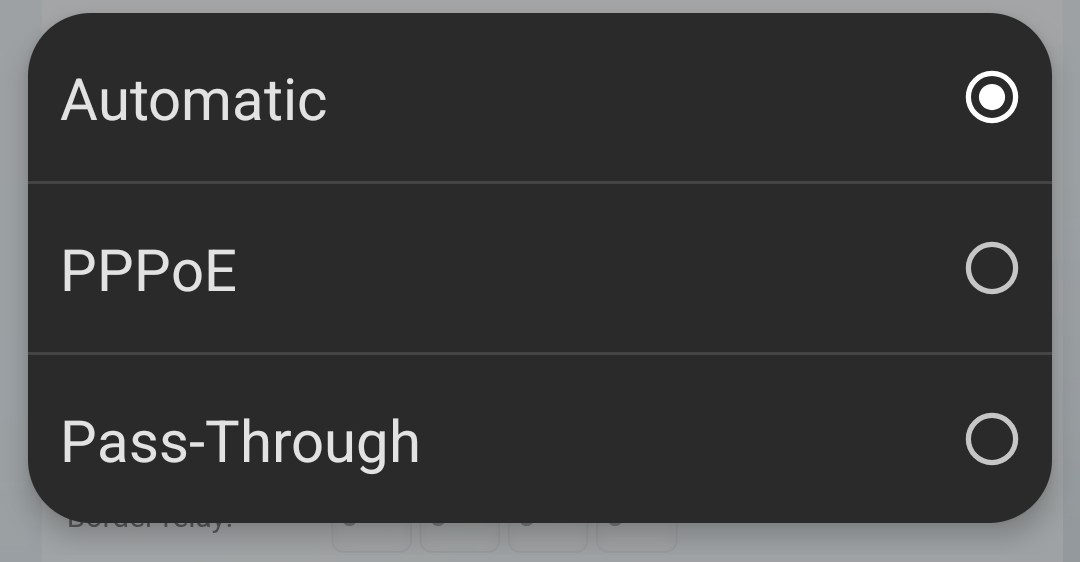
And it seems the settings to manipulate IPv6 RA --> RDNSS for the LAN side are lacking.
Nor does it allow to disable native IPv6 for the LAN side (or WAN/Internet).
An example for OPNsense routers below:
If its an ISP supplied router, I recommend to contact your ISP for assistance.
If its your own router, I recommend asking on the Lynksys support channels.