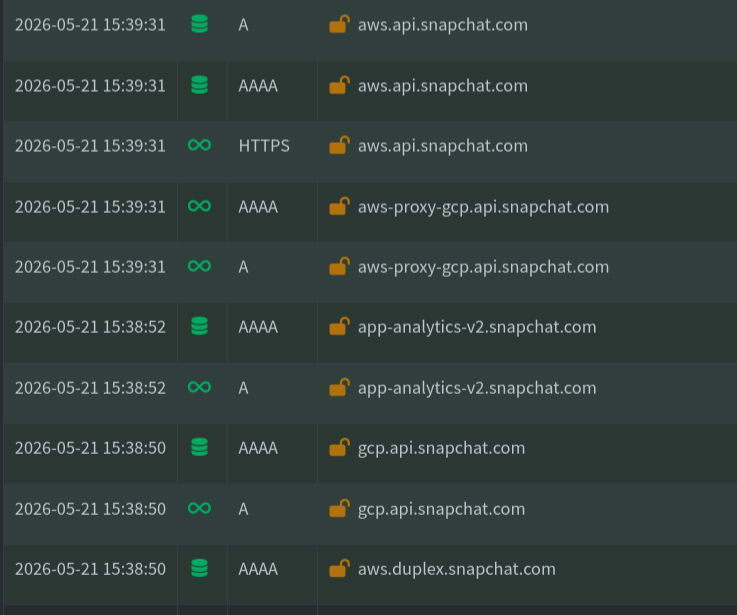
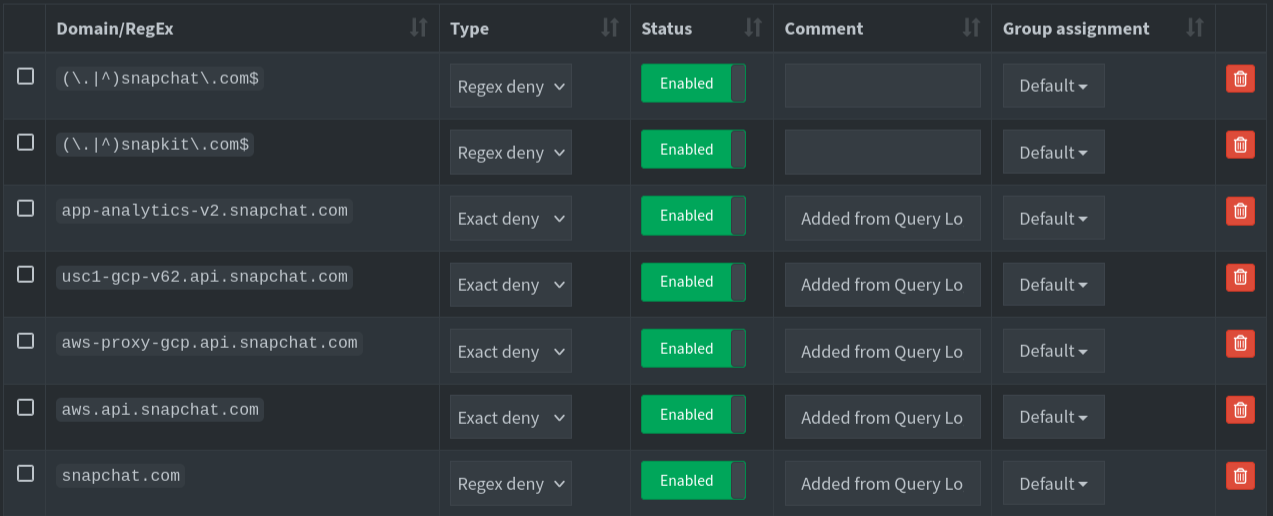
Please upload a debug log and post just the token URL that is generated after the log is uploaded by running the following command from the Pi-hole host terminal:
sudo pihole -d
or if you run your Pi-hole as a Docker container:
docker exec -it <pihole-container-name-or-id> pihole -d
where you substitute <pihole-container-name-or-id> as required.
Here's the log:
cat /var/log/pihole/pihole_debug.log | grep "snap"
   220    regex-deny     yes    0             (\.|^)snapchat\.com$                                                                        2025-08-31 22:51:21  2025-08-31 22:51:21
   270    regex-deny     yes    0             (\.|^)snapkit\.com$                                                                         2026-03-27 19:13:04  2026-03-27 19:13:04
   286    exact-deny     yes    0             app-analytics-v2.snapchat.com                                                               2026-05-13 20:41:04  2026-05-13 20:41:04  Added from Query Log
   288    exact-deny     yes    0             usc1-gcp-v62.api.snapchat.com                                                               2026-05-13 20:41:20  2026-05-13 20:41:20  Added from Query Log
   289    exact-deny     yes    0             aws-proxy-gcp.api.snapchat.com                                                              2026-05-13 20:41:29  2026-05-13 20:41:29  Added from Query Log
   290    exact-deny     yes    0             aws.api.snapchat.com                                                                        2026-05-13 20:41:35  2026-05-13 20:41:35  Added from Query Log
   291    regex-deny     yes    0             snapchat.com                                                                                2026-05-13 20:58:24  2026-05-14 15:01:24  Added from Query Log
   124      yes    0              Block   https://raw.githubusercontent.com/mrxehmad/pi-hole-adlist/refs/heads/main/snapchat-pihole             2026-05-14 15:11:53  2026-05-14 15:11:53
but:
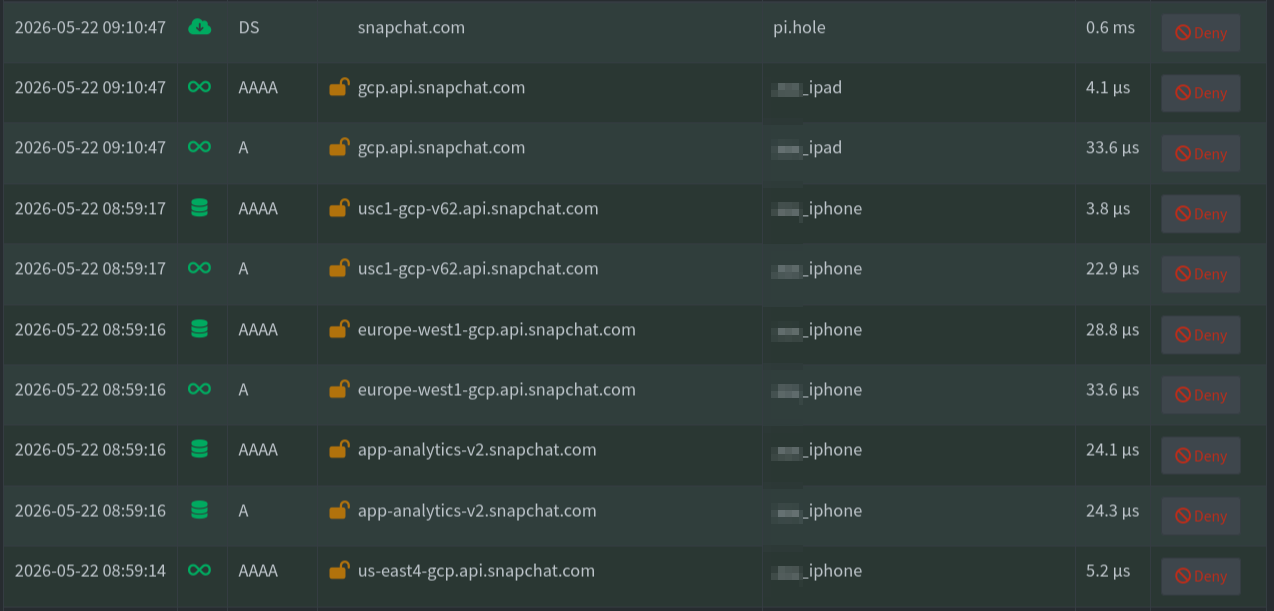
Please execute sudo pihole -d, upload the log when asked and then post here the token.
Here is the token:
https://tricorder.pi-hole.net/wms6jvkz/
You need to understand that "allow" rules always win over "block" rules. So when you have rules blocking and allowing the same domain, it will be allowed.
Your log shows there are lots of lists, many block rules (exact and regex) and many allow rules (exact and regex). The huge number of items makes a little harder to debug it just by looking at the entries, but I could spot at least one regex that is allowing that domain.
You have some rules blocking the domain, but the regex t.co is allowing the domain, because partially matches it:
snapchat.com.
t.co will allow any domain name containing "t", followed by any character, followed by "co".
So taco.mx, invest.com, list.common.ads.blockeddomain.com and similar domains would be allowed.
Note that without the ^ and $ anchors, your regex rules would match any part of the domains. Also, the dot means "any character", unless you escape it: t.co is different than t\.co.
You have many other regex rules using a dot where, I believe, you wanted to match just a dot, but they are matching other characters, allowing a lot more than you want.
You probably need to fix many of them.
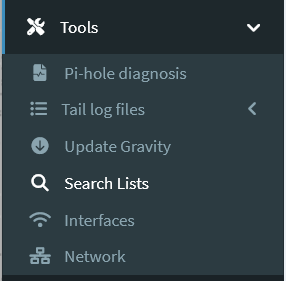
Please, use the Tools > Search lists page to see which rules are allowing the domain.
Search for snapchat.com (you can try with and without the partial match).

Uih, I didn't know that. Thank you very much for your effort!