I set up pihole following the installation guide on a Raspberry Pi running Debian GNU/Linux 13 (trixie).
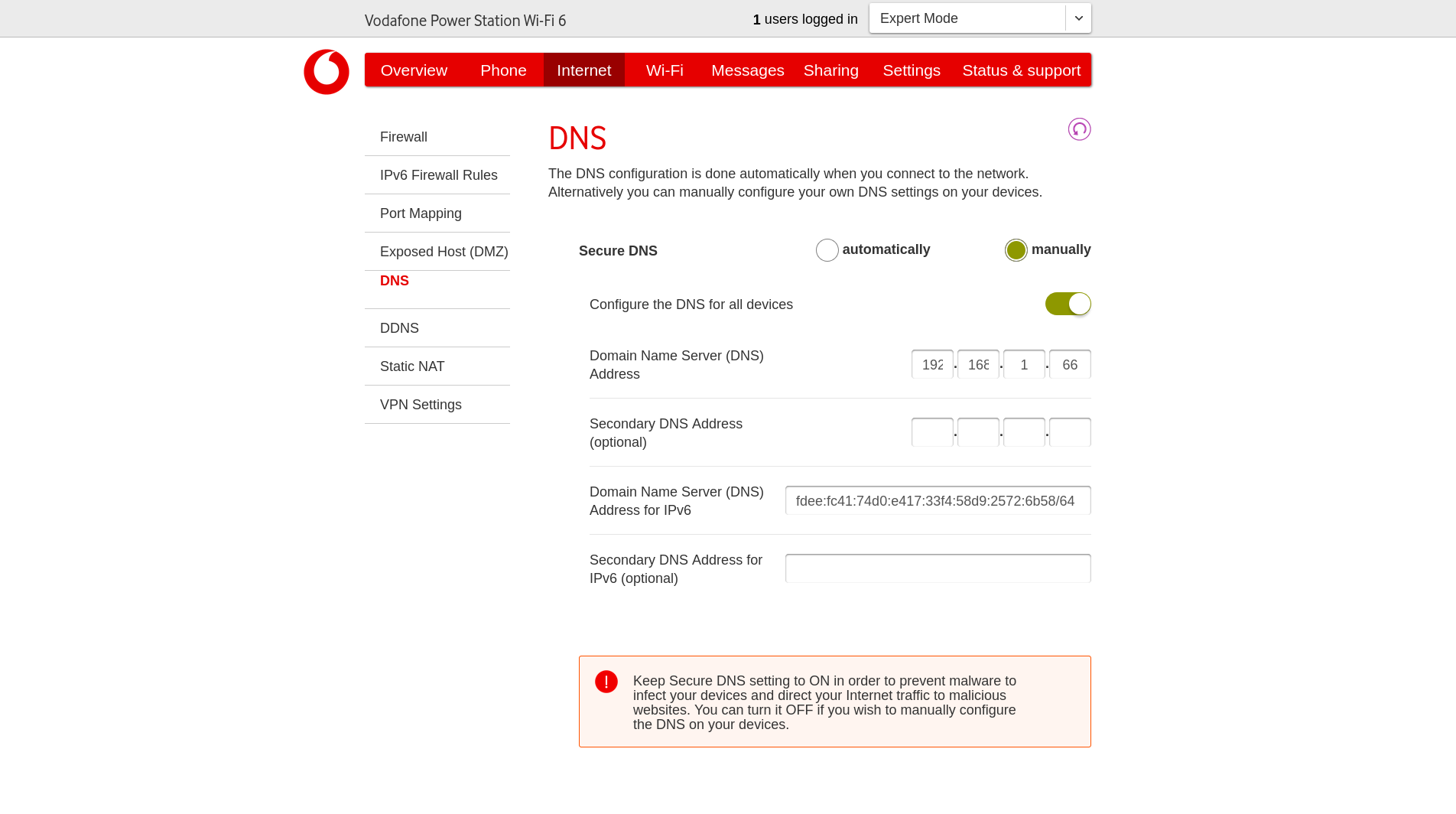
The upstream DNS is set to Google, and the DNS server on the router points to the static IP of the Pi (192.168.1.66). Expected to have normal name resolution.
Actual Behaviour:
Internet connection works, but name resolution fails for all websites.
ping 8.8.8.8 works. ping google.com times out.
Read online it could be rebind protection on the router, but see no option to turn it off in the router settings and not sure how to verify if that's what's happening (newbie).
I tried disabling the firewall on the router entirely to test (there's an option to do this in the router interface). I also checked if ufw is active on the pihole device via sudo ufw status and I get:
Status: inactive
I'm guessing that means that there's no active firewall on the machine itself, but not sure if there's anything else I need to check.
The two nslookups produce the same result, namely:
» nslookup google.com
;; communications error to 192.168.1.66#53: timed out
;; communications error to 192.168.1.66#53: timed out
;; communications error to 192.168.1.66#53: timed out
;; communications error to fe80::a16:5ff:fe95:82b0%2#53: timed out
;; no servers could be reached

» nslookup google.com 192.168.1.66                             1 ↵
;; communications error to 192.168.1.66#53: timed out
;; communications error to 192.168.1.66#53: timed out
;; communications error to 192.168.1.66#53: timed out
;; no servers could be reached
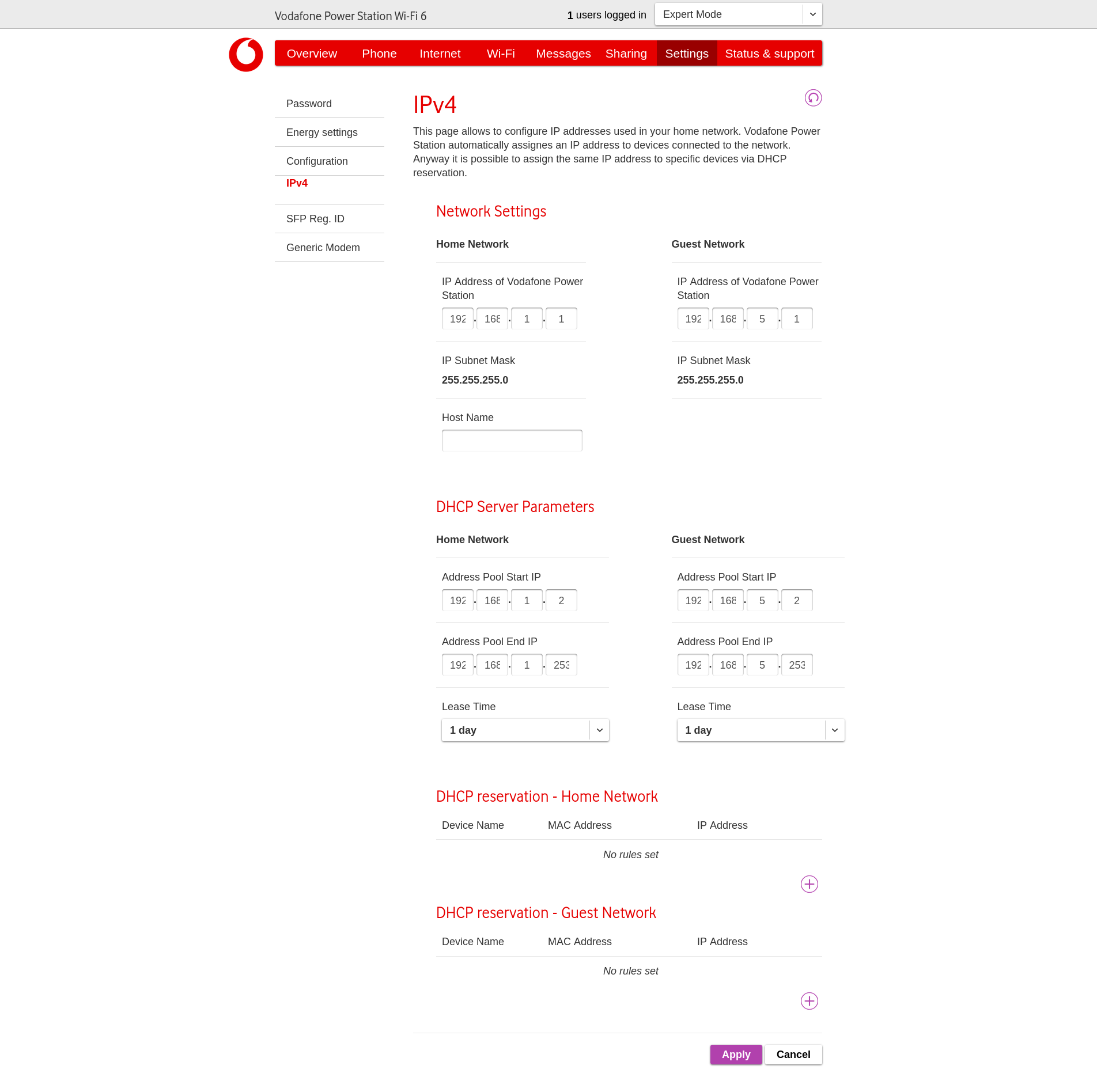
There are some DHCP settings there, but it seems I can only set the address pool, lease expiry time, and reserve static addresses there. (The static IP for the Pi works with just /etc/dhcpcd.conf changes, so I didn't add it to the router as well.)
When I manually set the DNS under Internet to 1.1.1.1, the output of nslookup changes like so. Not sure if that tells us anything. Does the fact that the Server in the output does not match what I entered in the setting mean that this does not govern DNS for DHCP/LAN after all?
Checked and unfortunately no option to set DNS in the WiFi tab.
When I set the DNS to 192.168.1.66 under the Internet tab, I get the timeouts. When I set it to 1.1.1.1, I get the response above, where the nslookup tells me I'm getting the name resolution from 8.8.8.8. (In the latter case, for obvious reasons, the ad blocking does not work.) Is there anything else I can try to troubleshoot?
Debian 13 (Trixie) does not use dhcpcd for network configuration AFAIK ?!
You need either NetworkManager or that new NetPlan stuff I read about some time ago in case of Raspberry Pi OS.
Another option is to do everything via SystemD and ignore everything else.
You have tried to configure Cloudflare and Google as the DNS Servers for Raspberry Pi OS and that's perfectly fine, but double check if :
They are written in /etc/resolv.conf
If nslookup on the Raspberry Pi itself shows that they are indeed used by the OS.