# Pi-hole block page not working
**URL:** https://discourse.pi-hole.net/t/pi-hole-block-page-not-working/4252
**Category:** Help
**Created:** [July 28, 2017, 3:50pm UTC](https://discourse.pi-hole.net/t/pi-hole-block-page-not-working/4252 "2017-07-28T15:50:59Z")
**Posts on this page:** 12
**Page:** 1
### Author:  [@pi-fly](https://discourse.pi-hole.net/u/pi-fly)
#### Post date: [July 28, 2017, 3:50pm UTC](https://discourse.pi-hole.net/t/pi-hole-block-page-not-working/4252/1 "2017-07-28T15:50:59Z")
Hi,
I got a problem with the block page of pi-hole, it is not working.
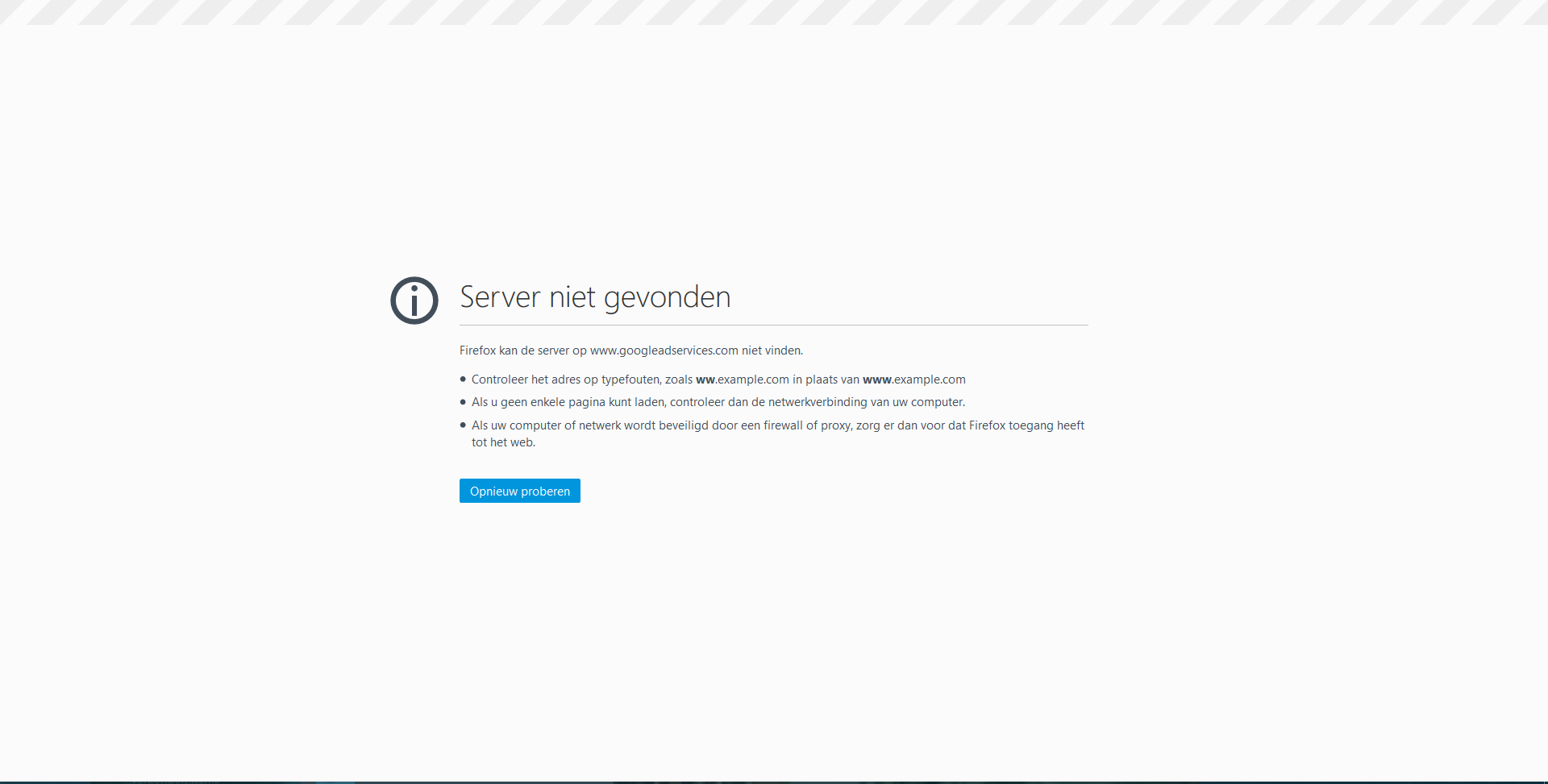
When I go to a blocked site I got the browser server not found message but no block page from pi-hole.
The strange thing is when I tunnel my traffic through open-vpn (pivpn) it is working fine, and the block page shows up.
debug token: q1wgiau5g4
---
### Author:  [@Mcat12](https://discourse.pi-hole.net/u/Mcat12)
#### Post date: [July 28, 2017, 3:57pm UTC](https://discourse.pi-hole.net/t/pi-hole-block-page-not-working/4252/2 "2017-07-28T15:57:32Z")
Your device doesn't sound like it is using Pi-hole. Can you reach [http://pi.hole/admin](http://pi.hole/admin) on that device?
---
### Author:  [@pi-fly](https://discourse.pi-hole.net/u/pi-fly)
#### Post date: [July 28, 2017, 4:05pm UTC](https://discourse.pi-hole.net/t/pi-hole-block-page-not-working/4252/3 "2017-07-28T16:05:34Z")
yes, i can reach it.
i setup the dns of the pi on my router.
All ads also be blocked but I got no block page, only when I use pivpn.
---
### Author:  [@Mcat12](https://discourse.pi-hole.net/u/Mcat12)
#### Post date: [July 28, 2017, 4:11pm UTC](https://discourse.pi-hole.net/t/pi-hole-block-page-not-working/4252/4 "2017-07-28T16:11:51Z")
Can you take a screenshot of the browser error page you get when it doesn't work? Your device might not be able to reach the Pi-hole without going through the VPN.
---
### Author:  [@pi-fly](https://discourse.pi-hole.net/u/pi-fly)
#### Post date: [July 28, 2017, 4:30pm UTC](https://discourse.pi-hole.net/t/pi-hole-block-page-not-working/4252/5 "2017-07-28T16:30:31Z")
I forgot to tell that this happens on all the devices on the network, not only my pc.
screenshot:
---
### Author:  [@mpve](https://discourse.pi-hole.net/u/mpve)
#### Post date: [July 29, 2017, 8:01am UTC](https://discourse.pi-hole.net/t/pi-hole-block-page-not-working/4252/6 "2017-07-29T08:01:43Z")
The screenshot looks normal to me. Google adservices cannot be found because it is on the pi-hole blocklist.
What happens is:
-The browser asks for the DNS name of the URL
-Pi-Hole responds with 127.0.0.1 (which is the black hole)
-Browser cannot find website and gives this error message
Does that help?
---
### Author:  [@spacemonkey](https://discourse.pi-hole.net/u/spacemonkey)
#### Post date: [July 29, 2017, 11:28am UTC](https://discourse.pi-hole.net/t/pi-hole-block-page-not-working/4252/7 "2017-07-29T11:28:21Z")
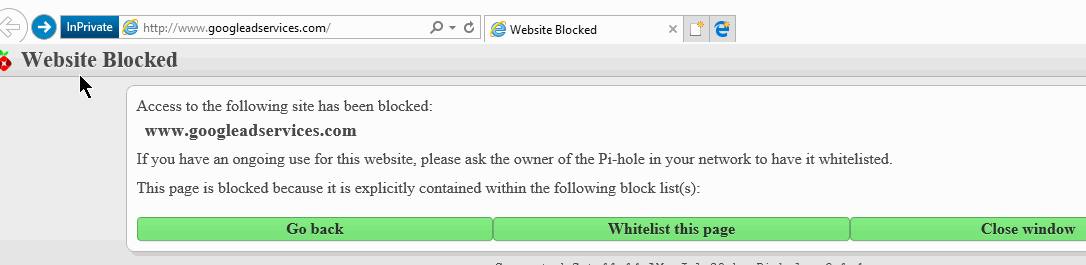
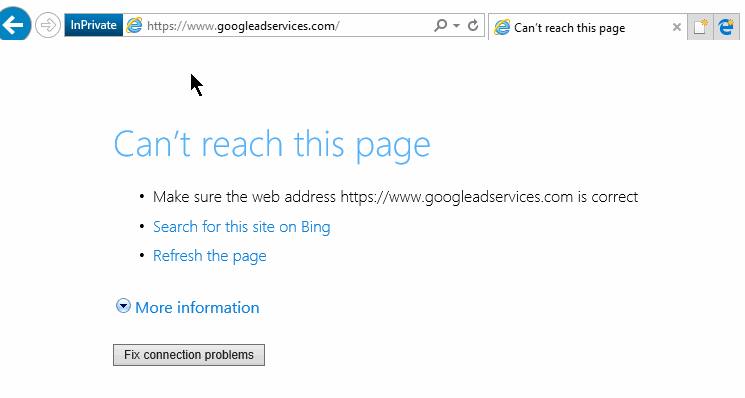
@pi-fly Yor screenshot doesn't show the address bar - it could have been an **https** address. For **http** sites it would show the block page.
---
### Author:  [@pi-fly](https://discourse.pi-hole.net/u/pi-fly)
#### Post date: [July 29, 2017, 5:23pm UTC](https://discourse.pi-hole.net/t/pi-hole-block-page-not-working/4252/8 "2017-07-29T17:23:25Z")
Thanks for the comments!
http sites are also not showing the pi-hole block page.
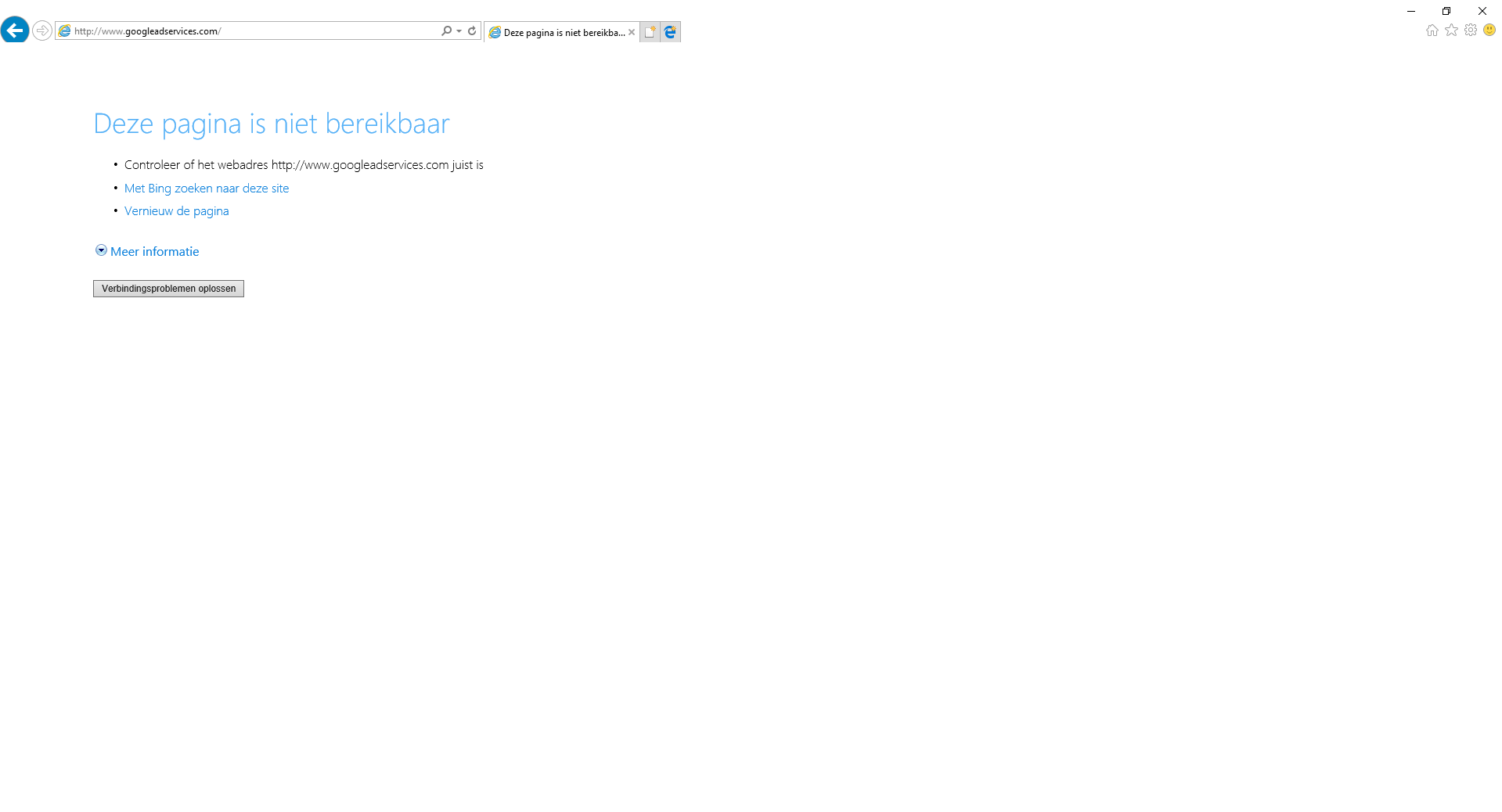
Maybe it is a wrong setting in my open-wrt router? But as I said, when I connect to my open vpn server it is working perfectly fine.
Also when I remove my vpn server or I reinstalling pi-hole, it's not showing up the block page of pi-hole without vpn.
---
### Author:  [@pi-fly](https://discourse.pi-hole.net/u/pi-fly)
#### Post date: [July 29, 2017, 6:38pm UTC](https://discourse.pi-hole.net/t/pi-hole-block-page-not-working/4252/9 "2017-07-29T18:38:56Z")
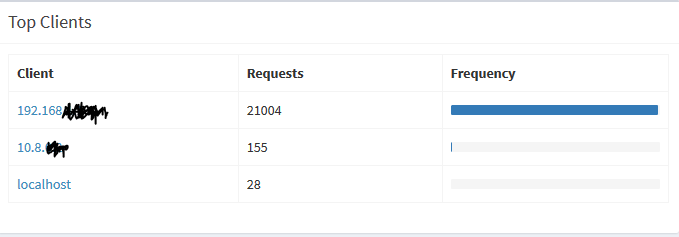
So every blocked traffic that's going through the router(upper one) shows no block page and every blocked traffic that's going trough the vpn (middle one) does.
---
### Author:  [@spacemonkey](https://discourse.pi-hole.net/u/spacemonkey)
#### Post date: [July 29, 2017, 9:39pm UTC](https://discourse.pi-hole.net/t/pi-hole-block-page-not-working/4252/10 "2017-07-29T21:39:22Z")
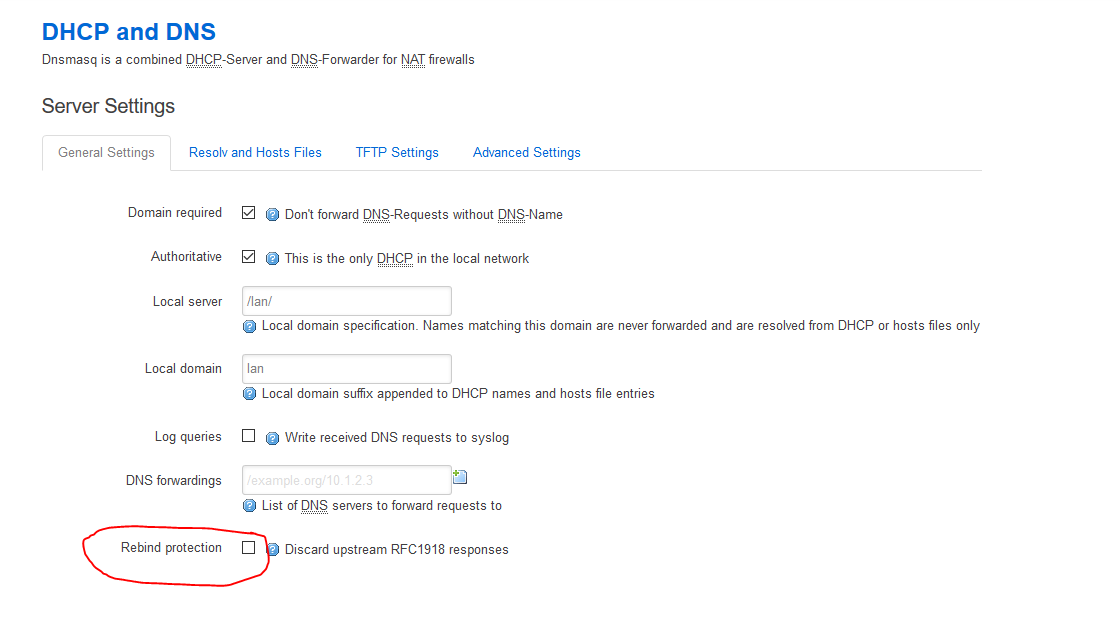
The reason you can access the admin page but not the block page might be DNS rebind protection. It's on by default in Openwrt. Disable it in luci.
> [@Why won't Pi-hole work with DNS rebind protection enabled?](https://discourse.pi-hole.net/t/why-wont-pi-hole-work-with-dns-rebind-protection-enabled/3142):
>
> What is DNS rebind protection? If your router has an option called DNS rebind protection enabled, you may run into issues when trying to use Pi-hole as your DNS server. The reasons for this are quite technical, but to summarize what this option does in one sentence: DNS rebind protection does not allow DNS queries to be answered with a local IP address. Why does this interfere with Pi-hole? DNS rebind is meant to be a [countermeasure to an attack on your network](http://www.techrepublic.com/blog/it-security/public-ip-dns-rebinding-another-reason-not-to-use-default-passwords/). So in many cases, it's actu…
---
### Author:  [@pi-fly](https://discourse.pi-hole.net/u/pi-fly)
#### Post date: [July 29, 2017, 10:07pm UTC](https://discourse.pi-hole.net/t/pi-hole-block-page-not-working/4252/11 "2017-07-29T22:07:22Z")
Thanks! It works 😁 it was indeed the rebind protection on the router, I disabled it in luci.
Thank you for helping me out!
---
### Author:  [@Mcat12](https://discourse.pi-hole.net/u/Mcat12)
#### Post date: [July 1, 2018, 1:22am UTC](https://discourse.pi-hole.net/t/pi-hole-block-page-not-working/4252/12 "2018-07-01T01:22:53Z")
A post was split to a new topic: [Block page not working](https://discourse.pi-hole.net/t/block-page-not-working/10599)