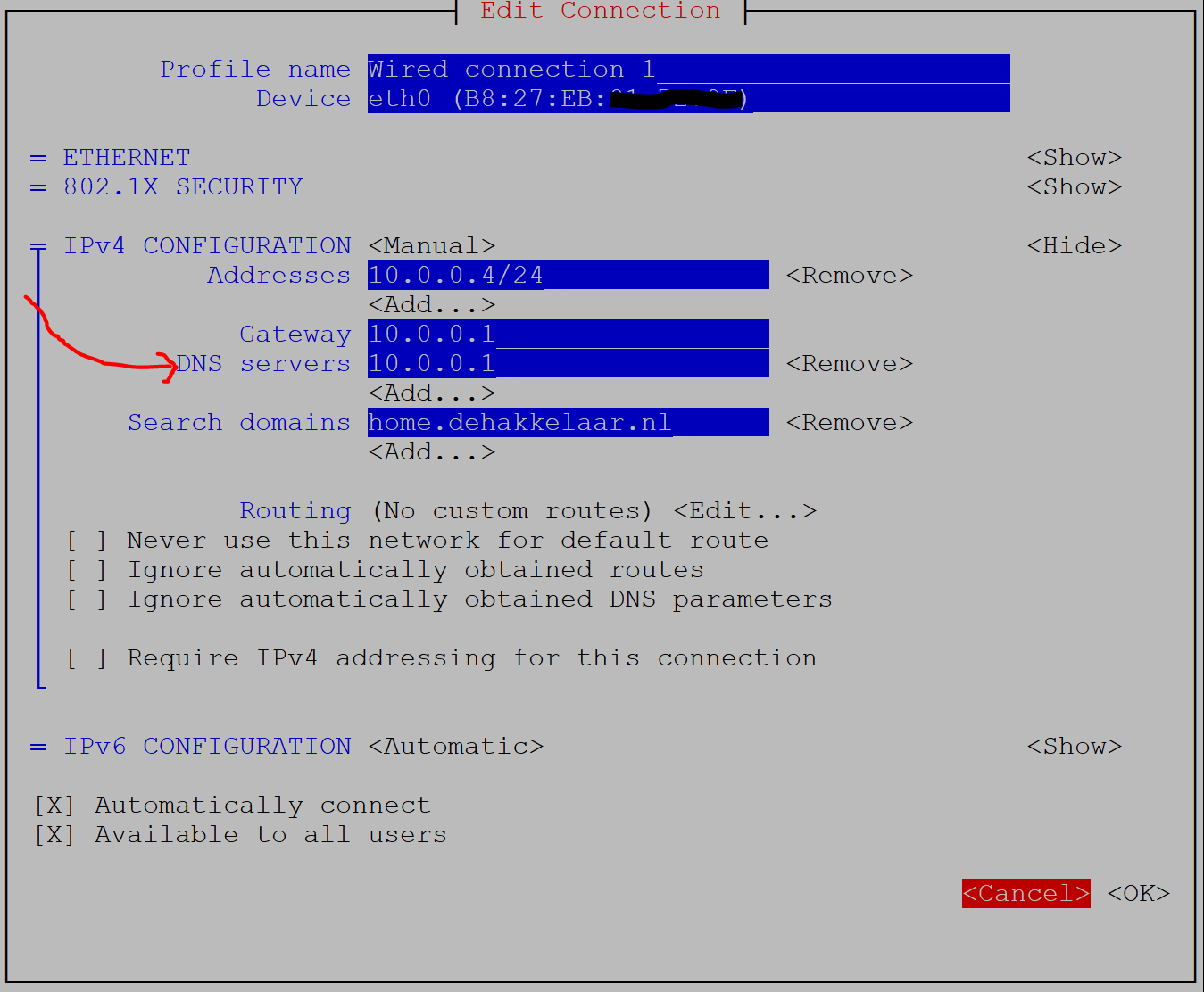
If so, check if your router IP responds to DNS queries with below one:
dig +short @192.168.1.1 pi-hole.net
Eg:
$ dig +short @10.0.0.1 pi-hole.net
162.244.93.14
If you get an IP returned with above, you can configure the router IP in the "DNS servers" field.
Or you can enter the ISP provided DNS servers that are often published on the ISP support site.
Or one of below publicly available DNS services: