System > Settings > DNS (Expert Mode toggled on in the top right of the screen)
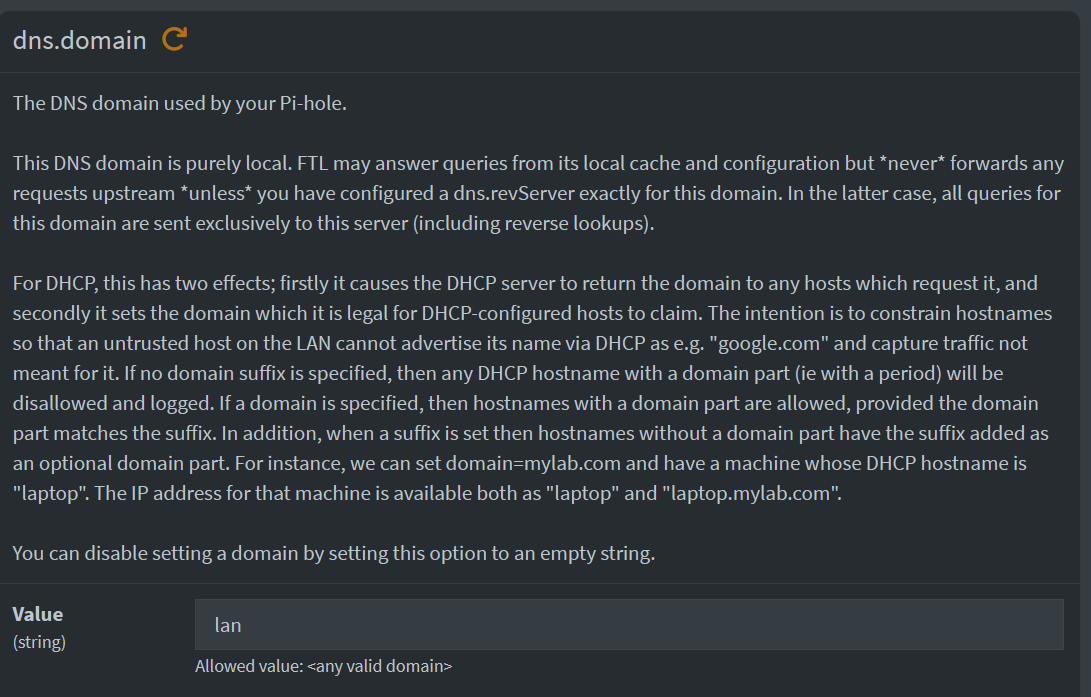
dns.domain
The DNS domain used by your Pi-hole.
This DNS domain is purely local. FTL may answer queries from its local cache and configuration but never forwards any requests upstream unless you have configured a dns.revServer exactly for this domain. In the latter case, all queries for this domain are sent exclusively to this server (including reverse lookups).
For DHCP, this has two effects; firstly it causes the DHCP server to return the domain to any hosts which request it, and secondly it sets the domain which it is legal for DHCP-configured hosts to claim. The intention is to constrain hostnames so that an untrusted host on the LAN cannot advertise its name via DHCP as e.g. "google.com" and capture traffic not meant for it. If no domain suffix is specified, then any DHCP hostname with a domain part (ie with a period) will be disallowed and logged. If a domain is specified, then hostnames with a domain part are allowed, provided the domain part matches the suffix. In addition, when a suffix is set then hostnames without a domain part have the suffix added as an optional domain part. For instance, we can set domain=mylab.com and have a machine whose DHCP hostname is "laptop". The IP address for that machine is available both as "laptop" and "laptop.mylab.com".
You can disable setting a domain by setting this option to an empty string.